GlobeEagle Comprehensive Manual
The complete encyclopedic guide for the integrated logistics shipping management platform
Homepage
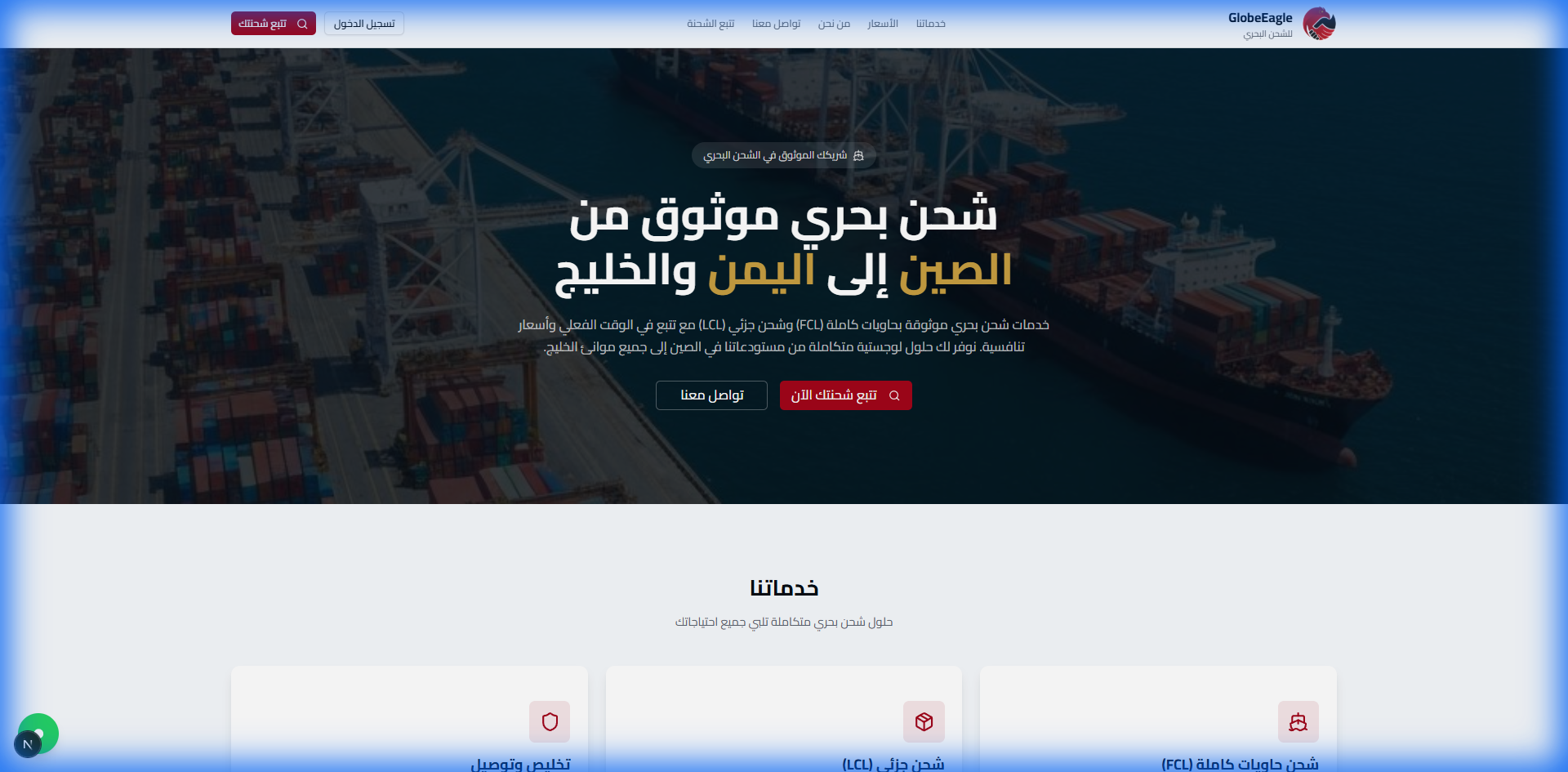
Imagine you are a trader looking for a reliable shipping partner to import goods internationally. When you open the GlobeEagle platform, you will be greeted by a professional interface that speaks your language and understands your needs.
Hero Section
Why This Design Stands Out
The Problem: Most shipping platforms are complex and only available in one language.
The Solution: A clean, multilingual interface with instant tracking - no login required!
- Company logo and clear navigation menu
- Main headline: Customizable to match any shipping route and brand
- Shipment tracking box for visitors - one click
- "Contact Us" button for direct inquiries
Services Section
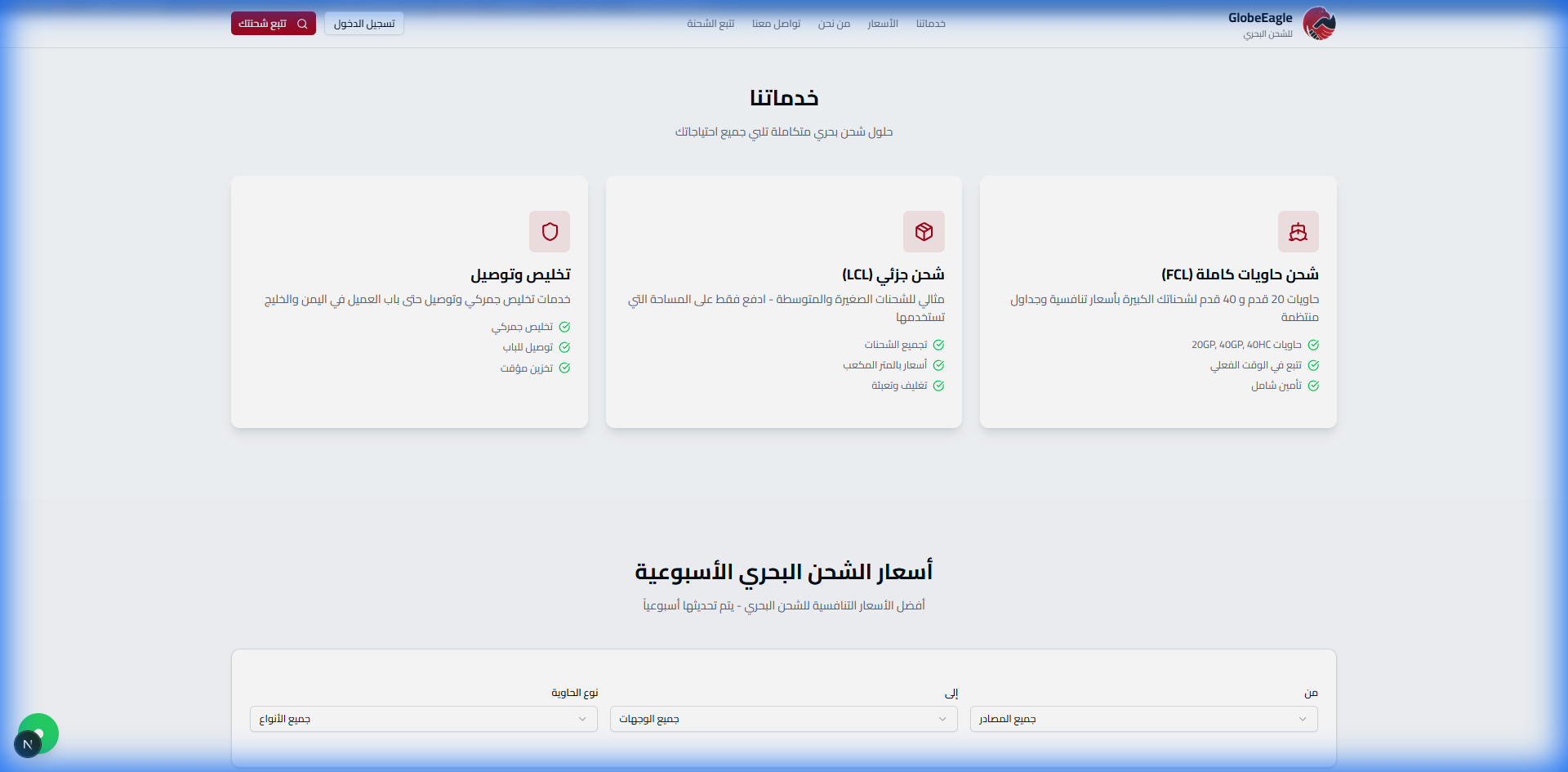
Full Container Load (FCL)
20ft and 40ft containers for large shipments at competitive prices, full insurance, and real-time tracking
Less than Container Load (LCL)
For small and medium shipments - we consolidate your goods with other shipments to save costs while maintaining quality
Clearance & Delivery
Professional customs clearance services and delivery to your doorstep or business location
Instant Pricing Section
New & Unique Feature!
In the shipping industry, getting a price quote usually takes days of calls and emails. With GlobeEagle, pricing is available instantly!
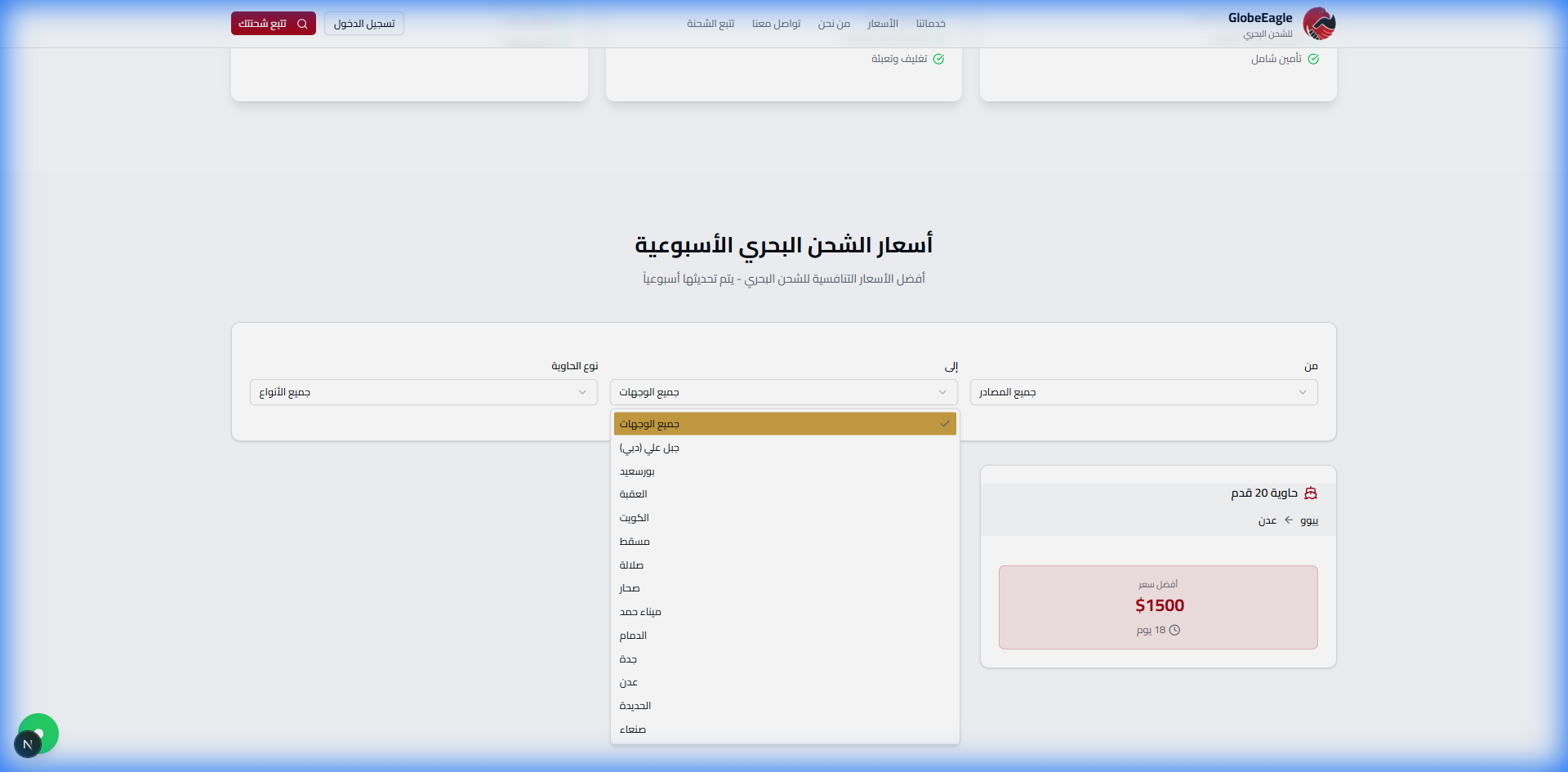
Pricing Section Features:
- Full transparency: Real prices displayed directly
- Interactive search: Choose origin and destination port
- Weekly updates: Prices updated based on market rates
- No hidden fees: What you see is what you pay
Contact Section
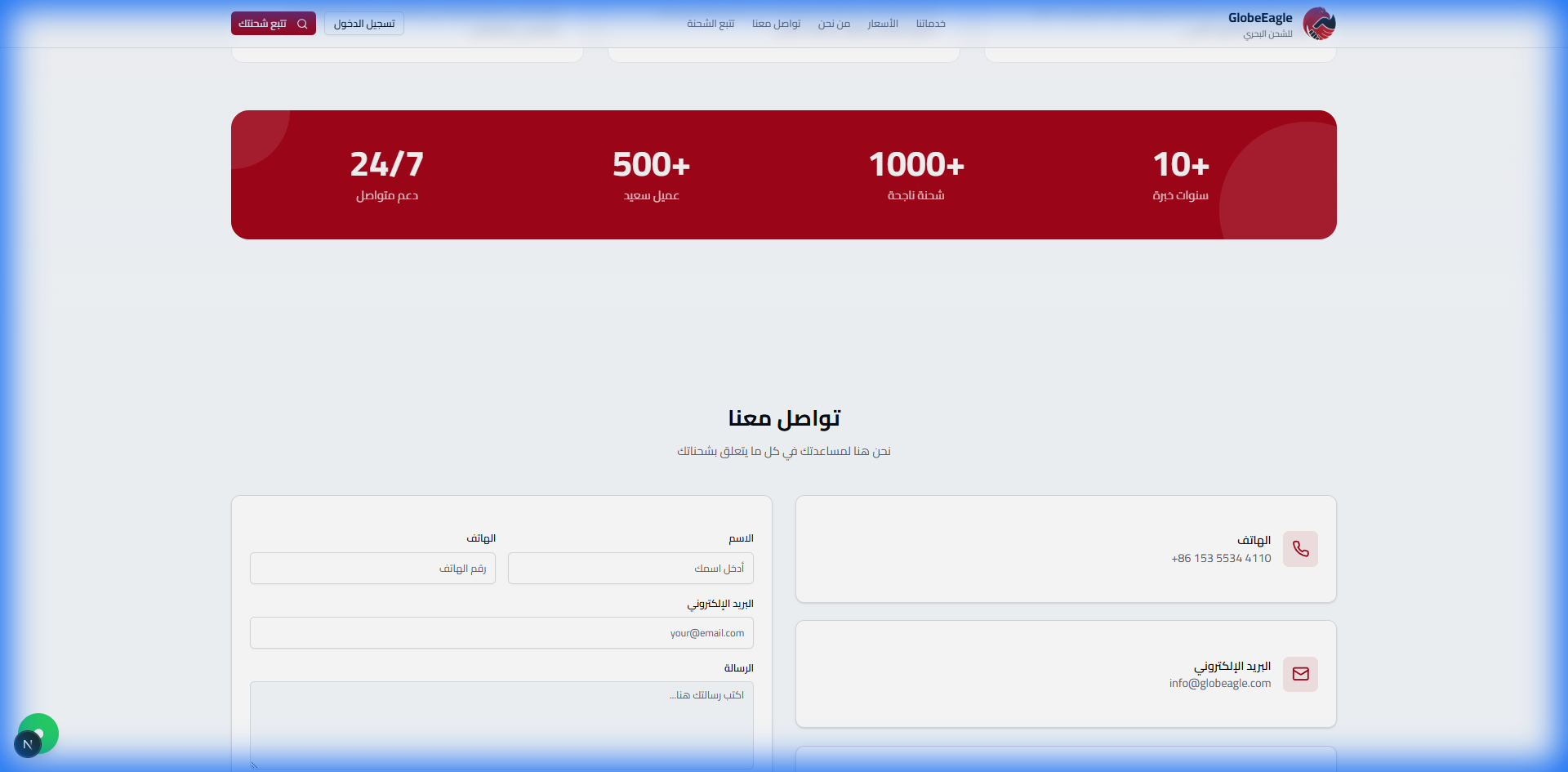
Visitor Portal - Shipment Tracking
Imagine: A client is waiting for a shipment from the origin warehouse. At any time of day, they can open their phone and track their shipment with one click - no account or login needed!
The Problem & Solution
The Problem: Clients constantly call asking "Where is my shipment?"
The Solution: Instant tracking available to everyone 24/7
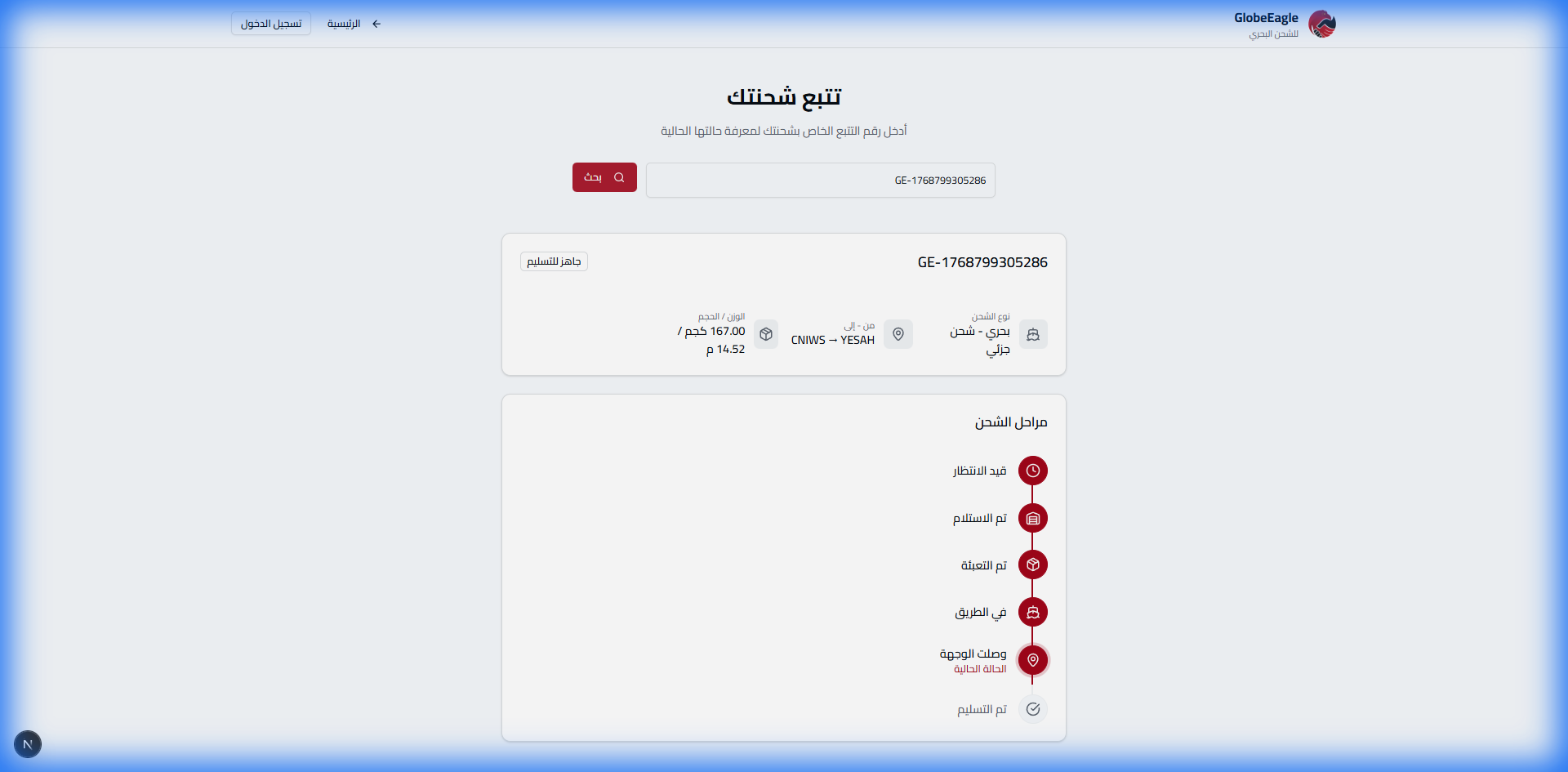
How to Track a Shipment
- Enter the tracking number in the field (e.g.,
GE-1768799305286) - Click the "Track Now" button
- Full shipment information appears instantly!
Complete Timeline
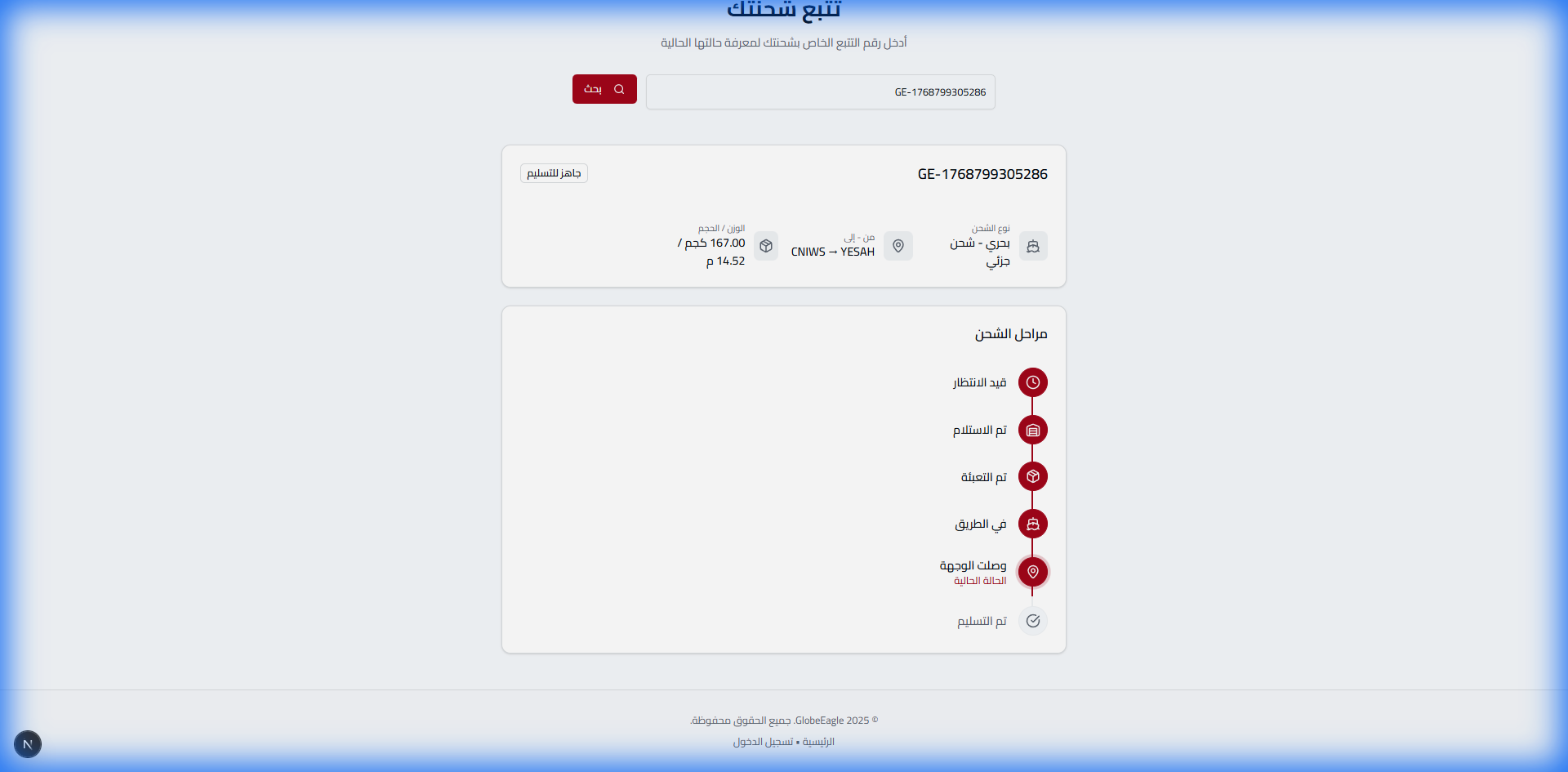
Shipment Information Includes:
- Shipment Status: Pending → Received → Packed → In Transit → Arrived → Delivered
- Shipment Details: Shipping type (FCL/LCL), weight, volume
- Route: From origin port to destination port (configurable)
- Timeline: Complete log with dates for each stage
- Current Location: Real-time shipment location update
Note for Visitors
For more details or to perform operations on the shipment (print invoice, change address), you must log in as a client.
Login
Unlike systems that put everyone through the same boring portal, GlobeEagle welcomes each user through their own dedicated door. Each role has its own specialized interface!
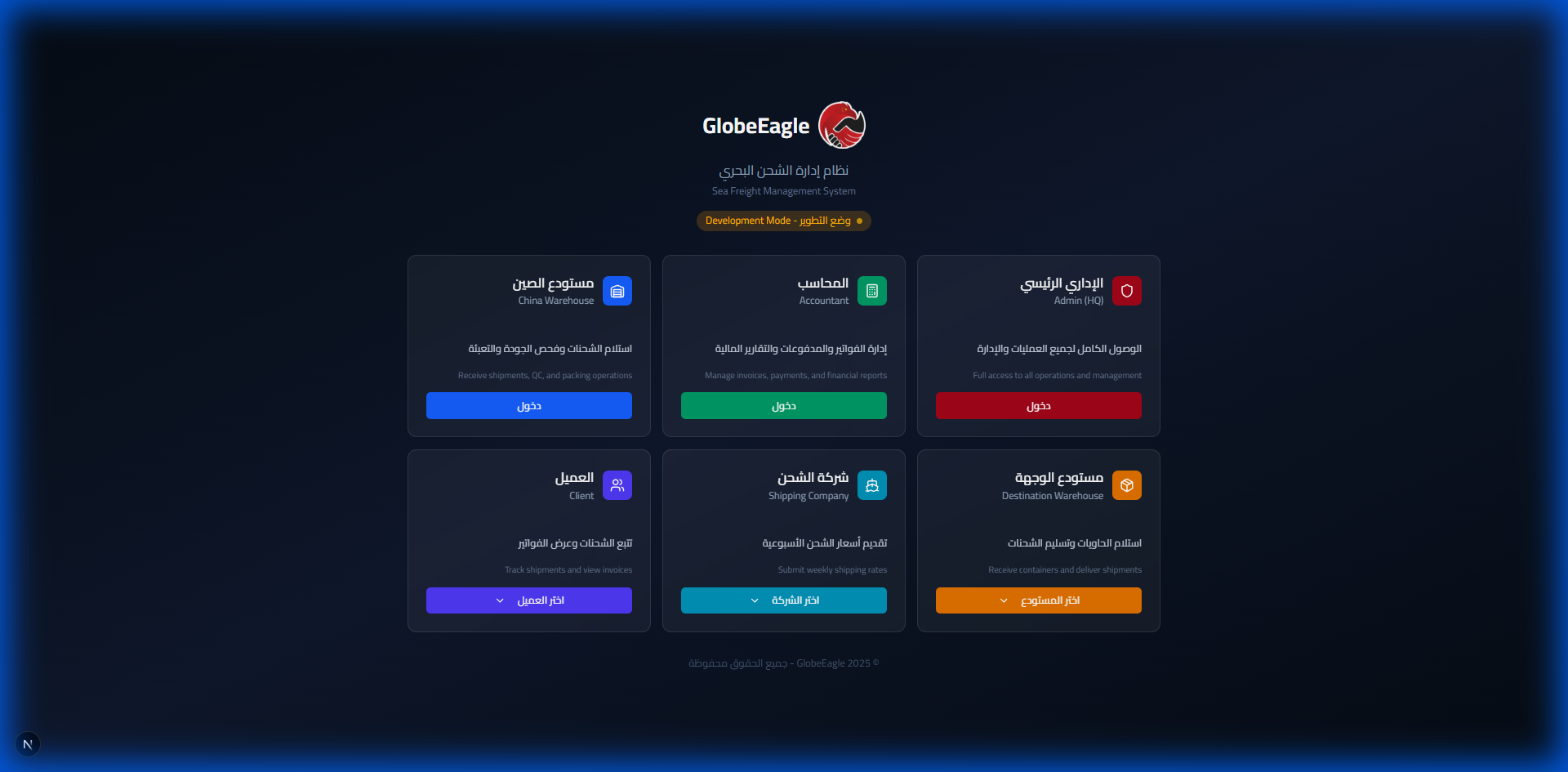
Why This Design Stands Out
The Problem: Regular systems show all features to all users = chaos and complexity
The Solution: Each user sees only what they need = simplicity and productivity
User Types (6 Roles)
HQ Admin
Full command center - manage clients, shipments, ports, rates, and reports
Full AccessAccountant
Focus on numbers - invoices, collections, aging reports, Excel export
FinanceOrigin Warehouse
The front line - receiving shipments, quality inspection, label printing, loading
OriginDestination Warehouse
The arrival point - container unloading, client delivery, electronic signature
DestinationShipping Company
Transport partners - manage rates, track assigned containers
PartnerClient
Self-service - track shipments, view invoices, pay dues
Self-ServiceAdmin Dashboard
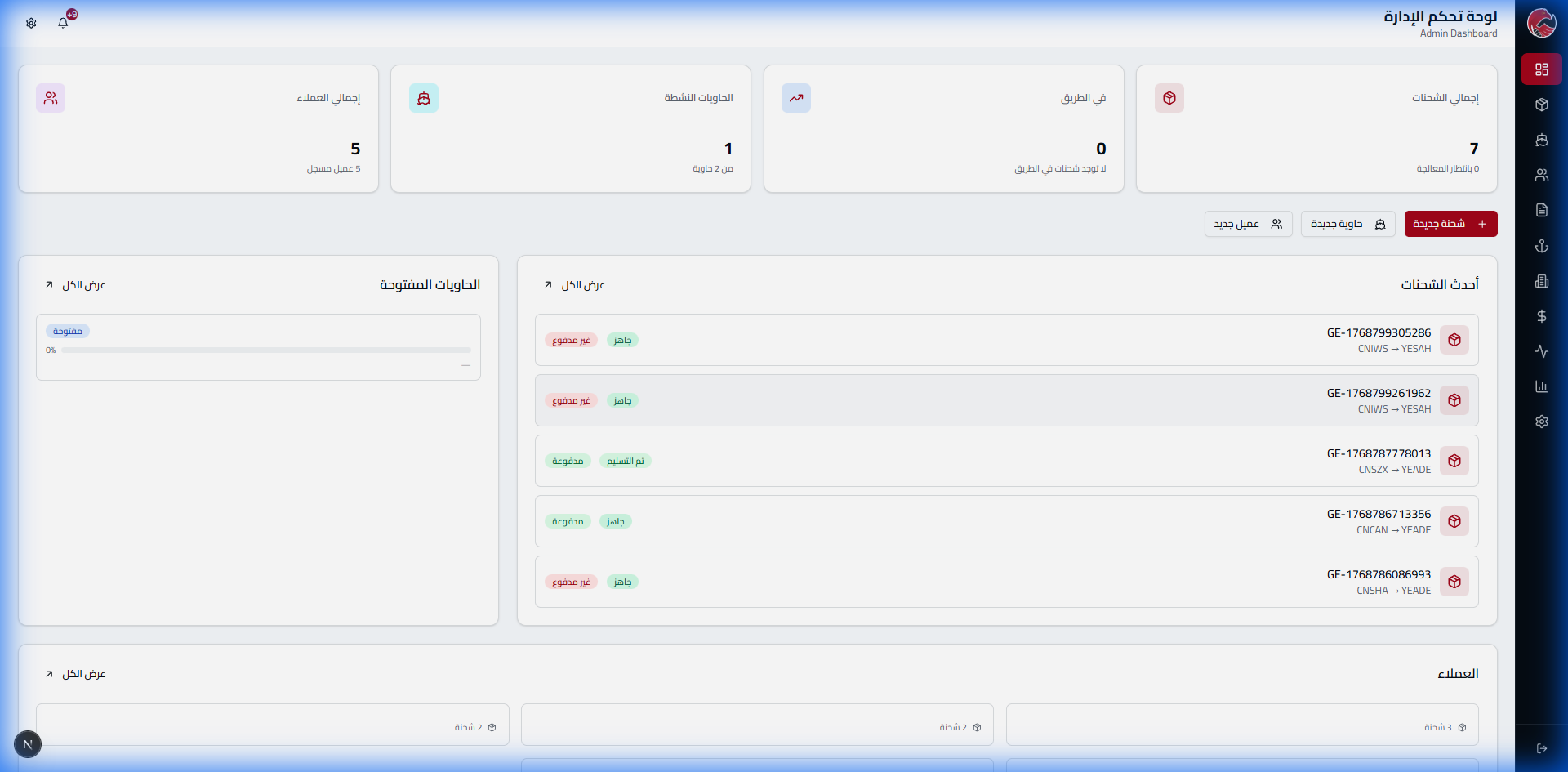
The admin sees the entire operation at a glance. Not boring spreadsheets - a live command dashboard showing 7 shipments, 5 clients, and everything updated in real-time!
The Problem & Solution
The Problem: Managers spend hours gathering information from different sources
The Solution: Everything on one screen - click to dive into details
Key Performance Indicators (KPIs)
Total Shipments
Total number of shipments in the system - click to go to shipment list
Active Containers
Containers being loaded or shipped - click to see capacity
Registered Clients
Complete client database with their information
In Transit
Shipments currently at sea - the most important to monitor
Recent Activity
What Appears in the Activity Panel:
- Tracking Number: GE-1768799305286
- Route: CNIWS → YESAH
- Status: Ready for Delivery / Delivered
- Payment Status: Paid / Unpaid
Client Management
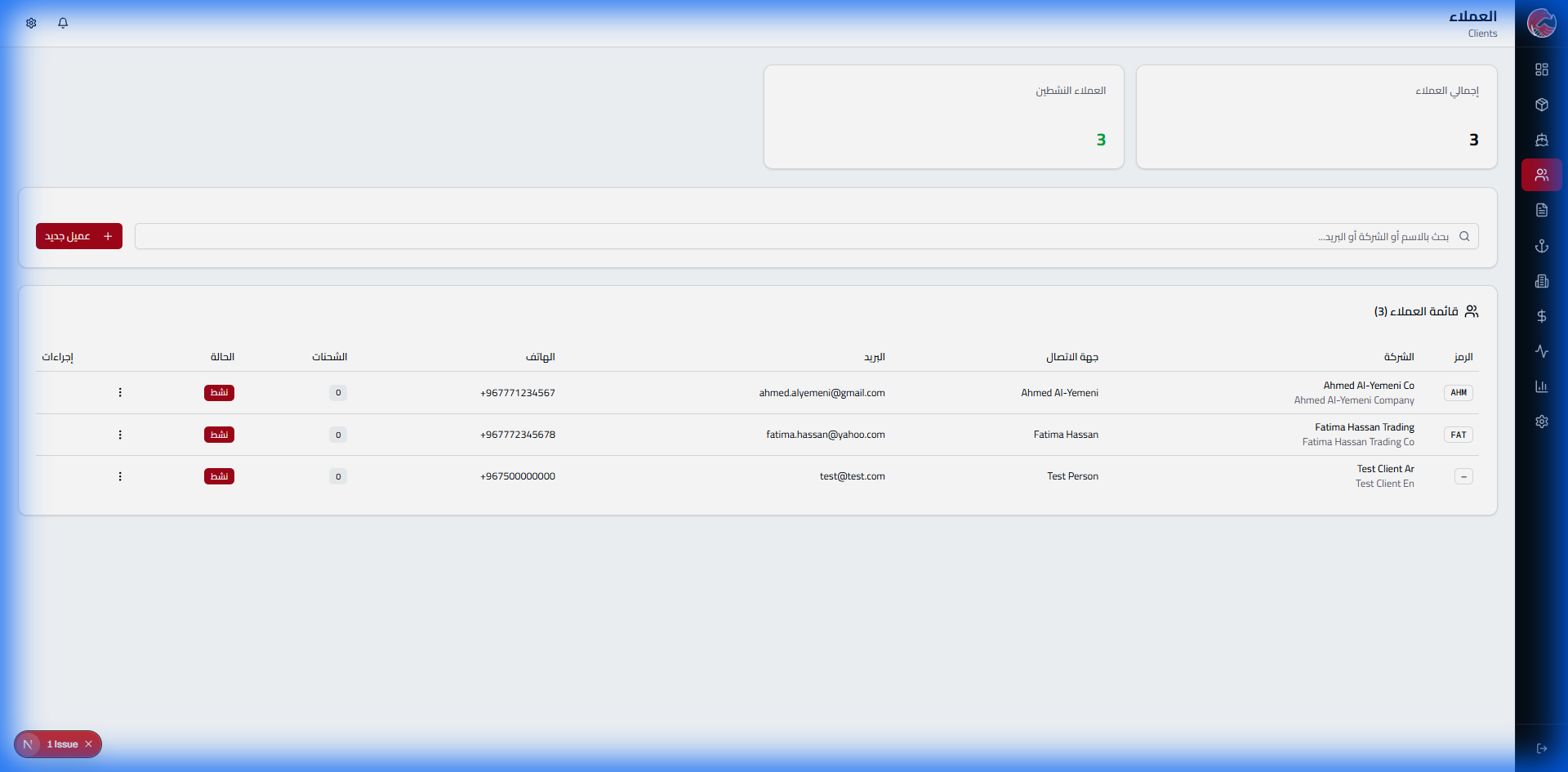
Getting Started: Empty List
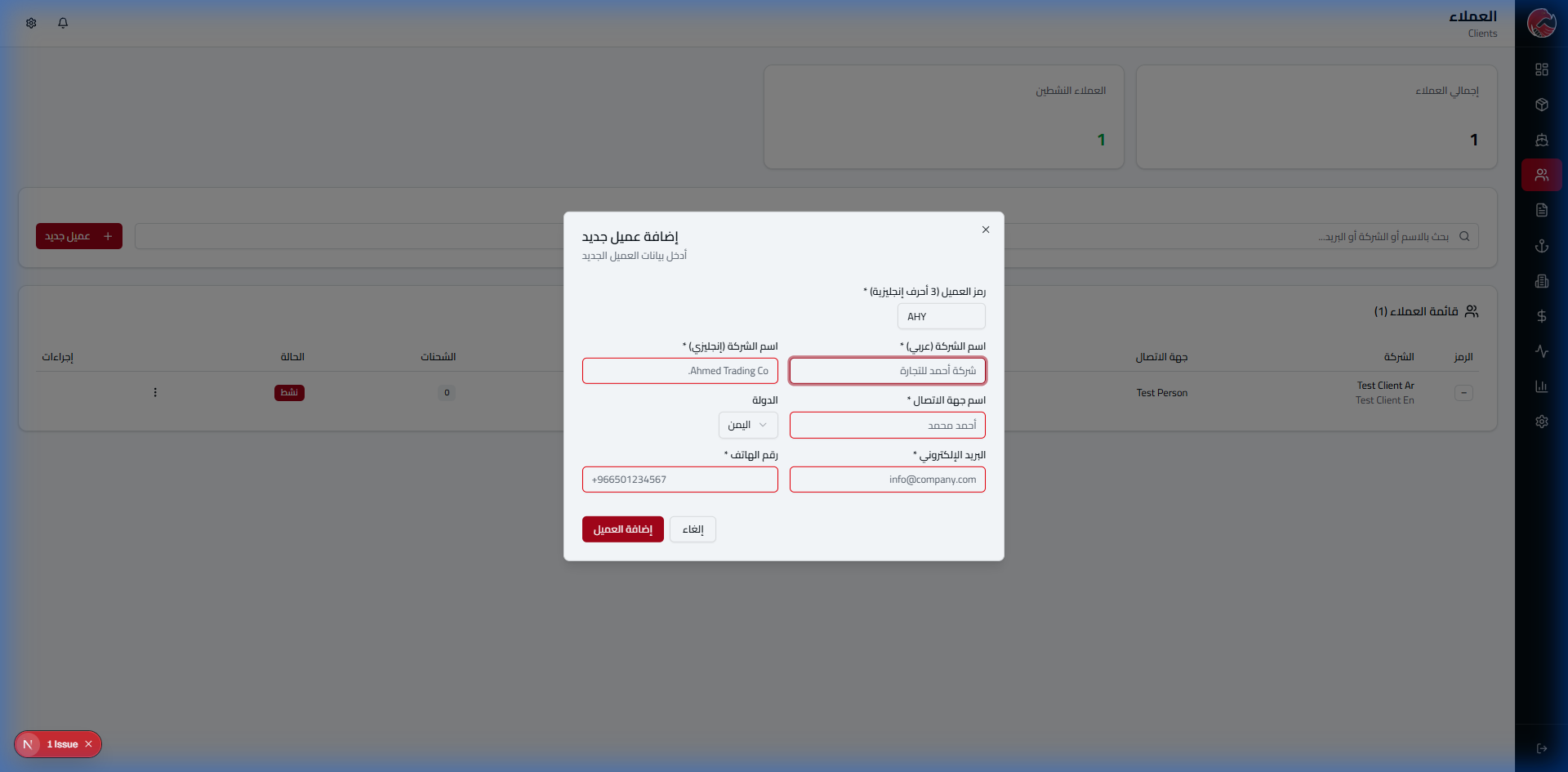
Adding the First Client: Sample Trading Co.
Step 1: Open the Form
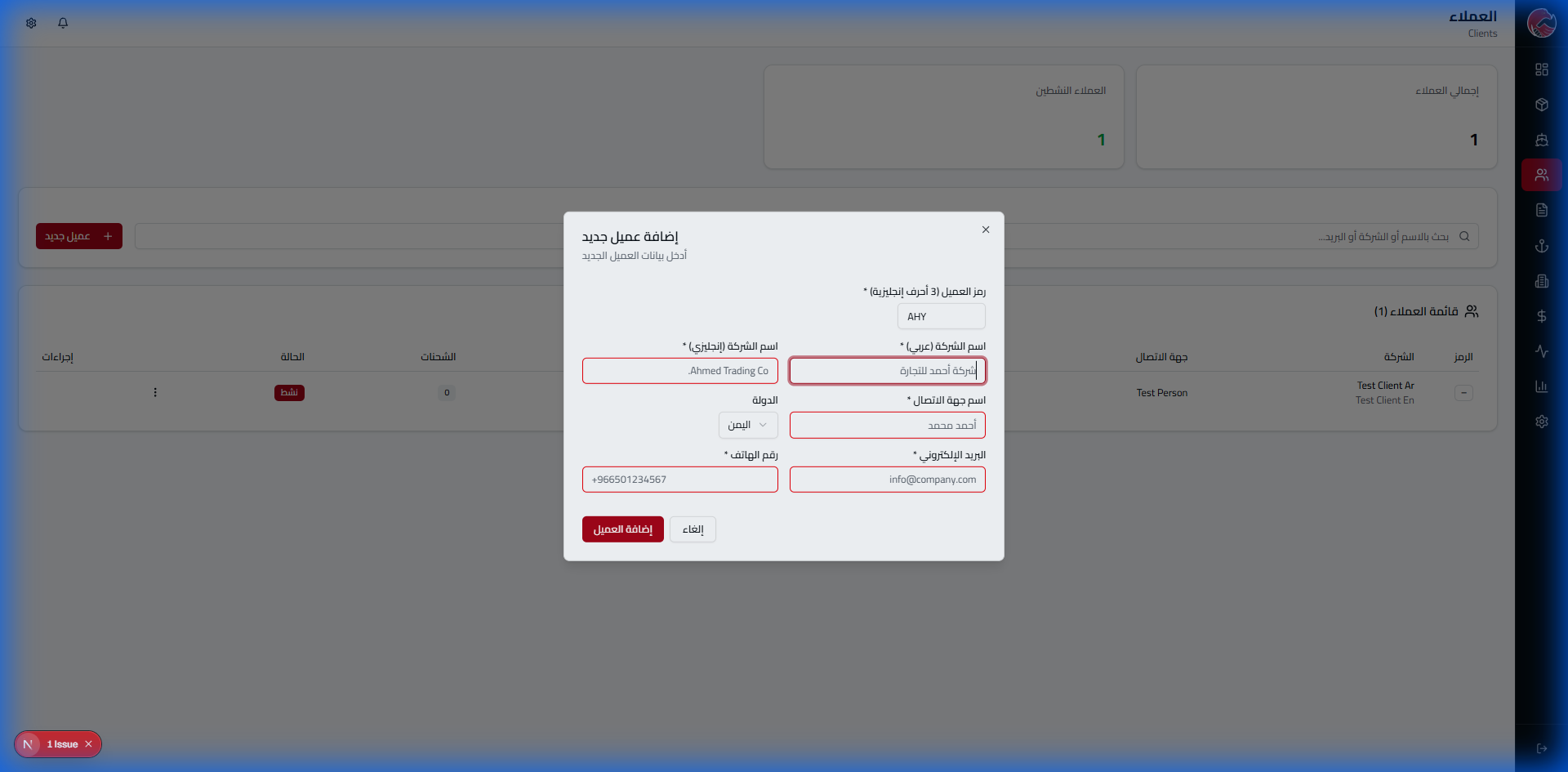
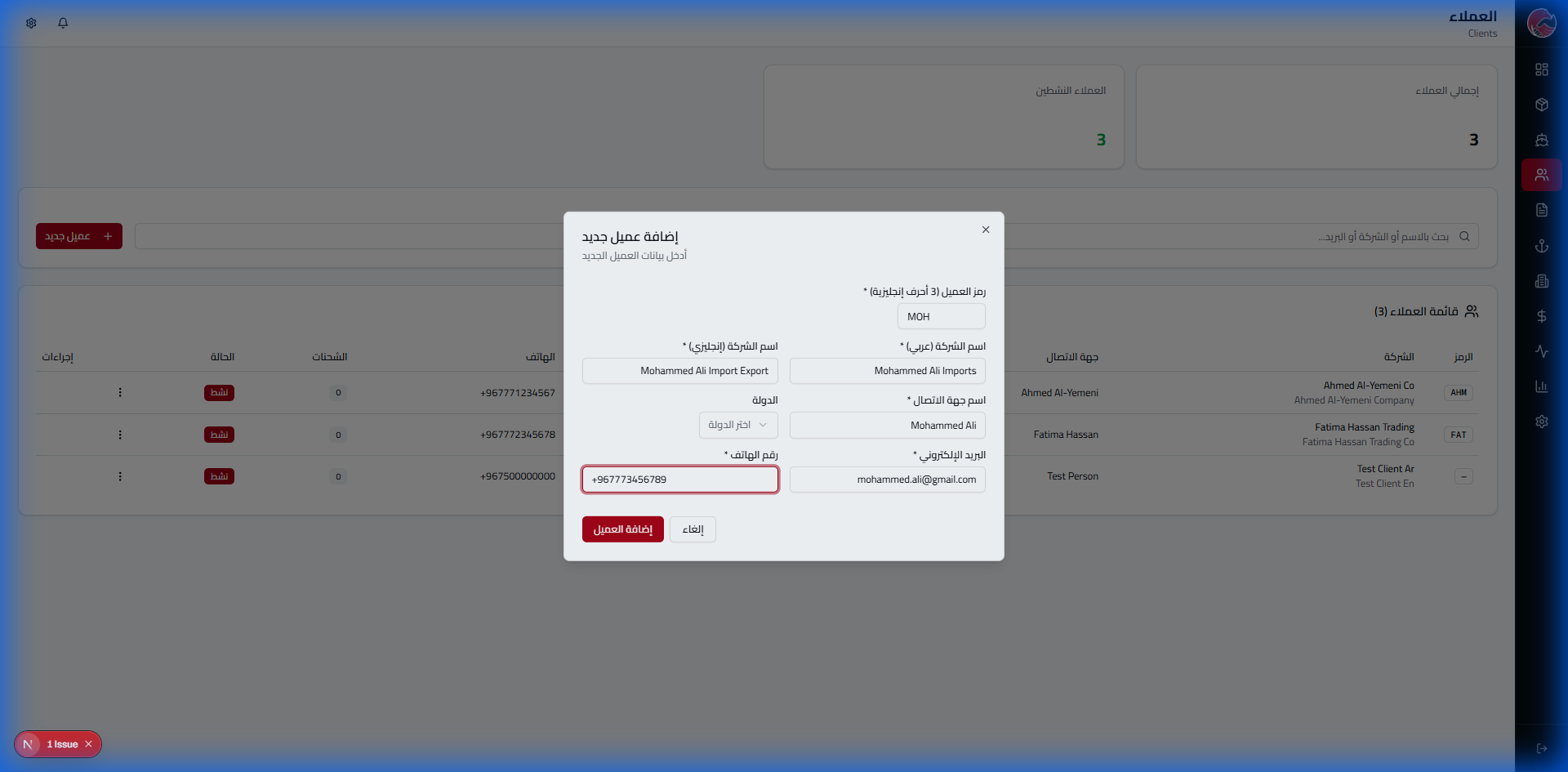
Step 2: Enter the Code
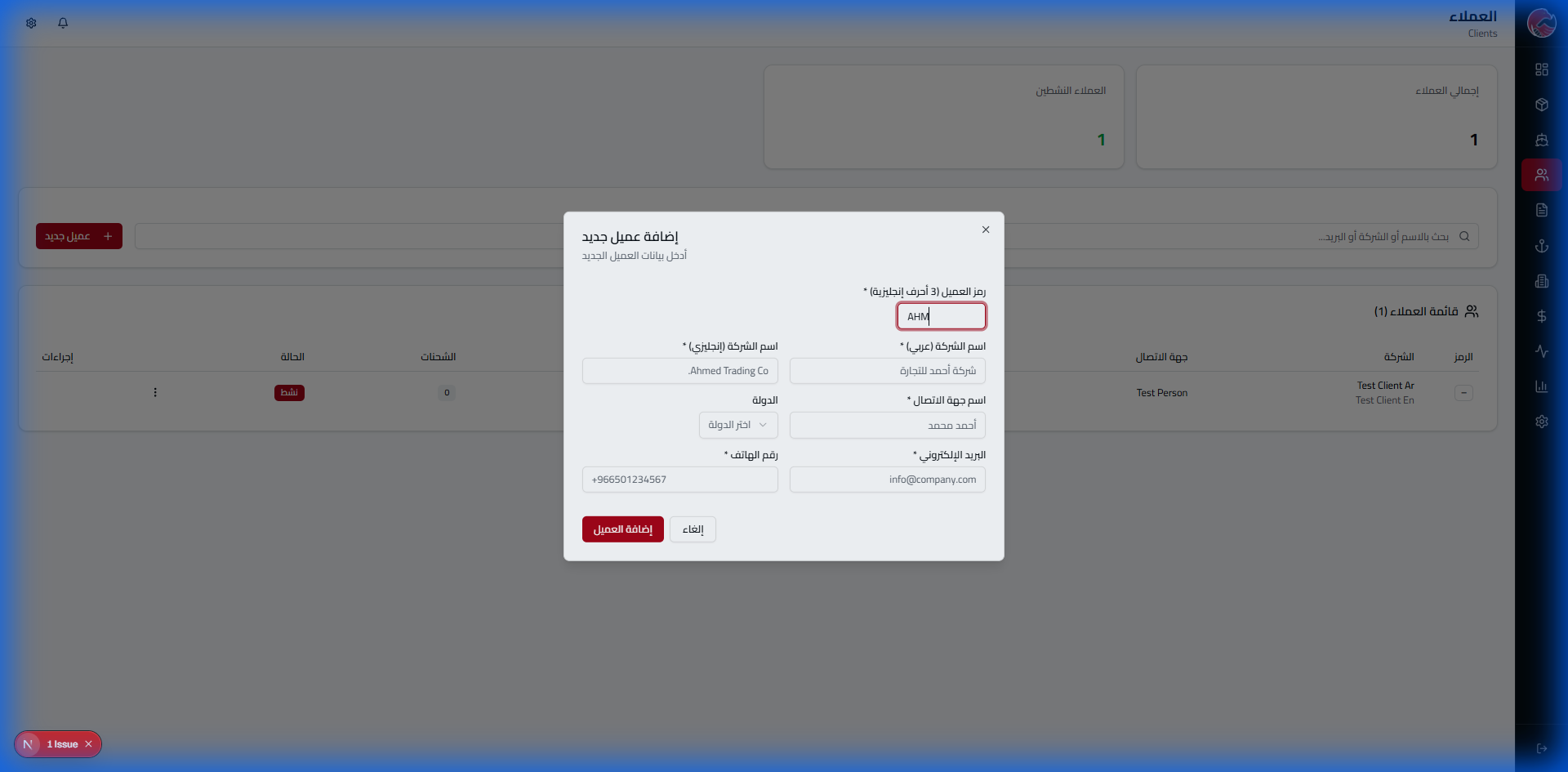
Important: Client Code
The client code must be unique and cannot be duplicated in the system. This code is used for label printing and shipment identification.
Step 3: Enter Names
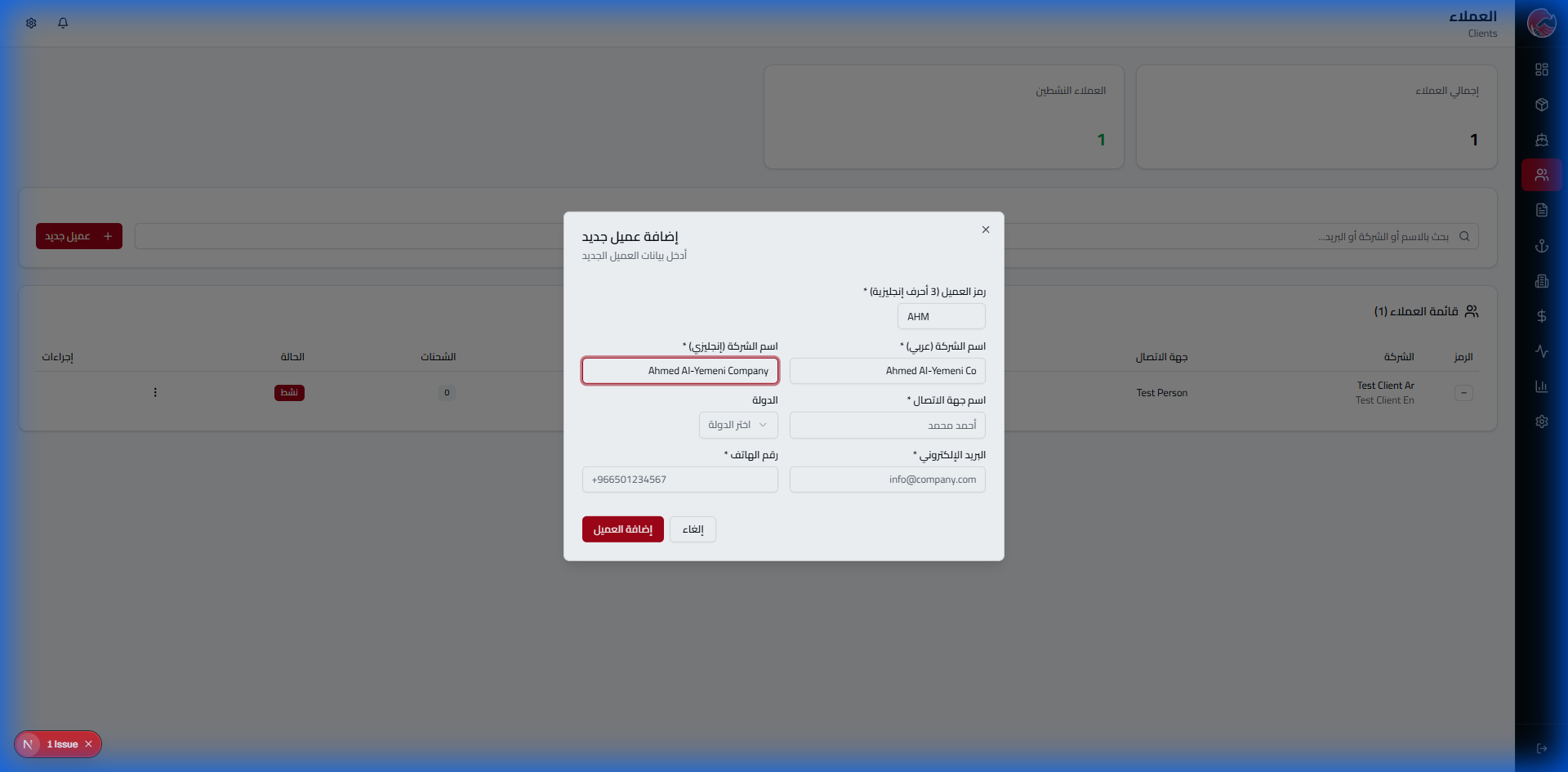
Step 4: Complete the Data
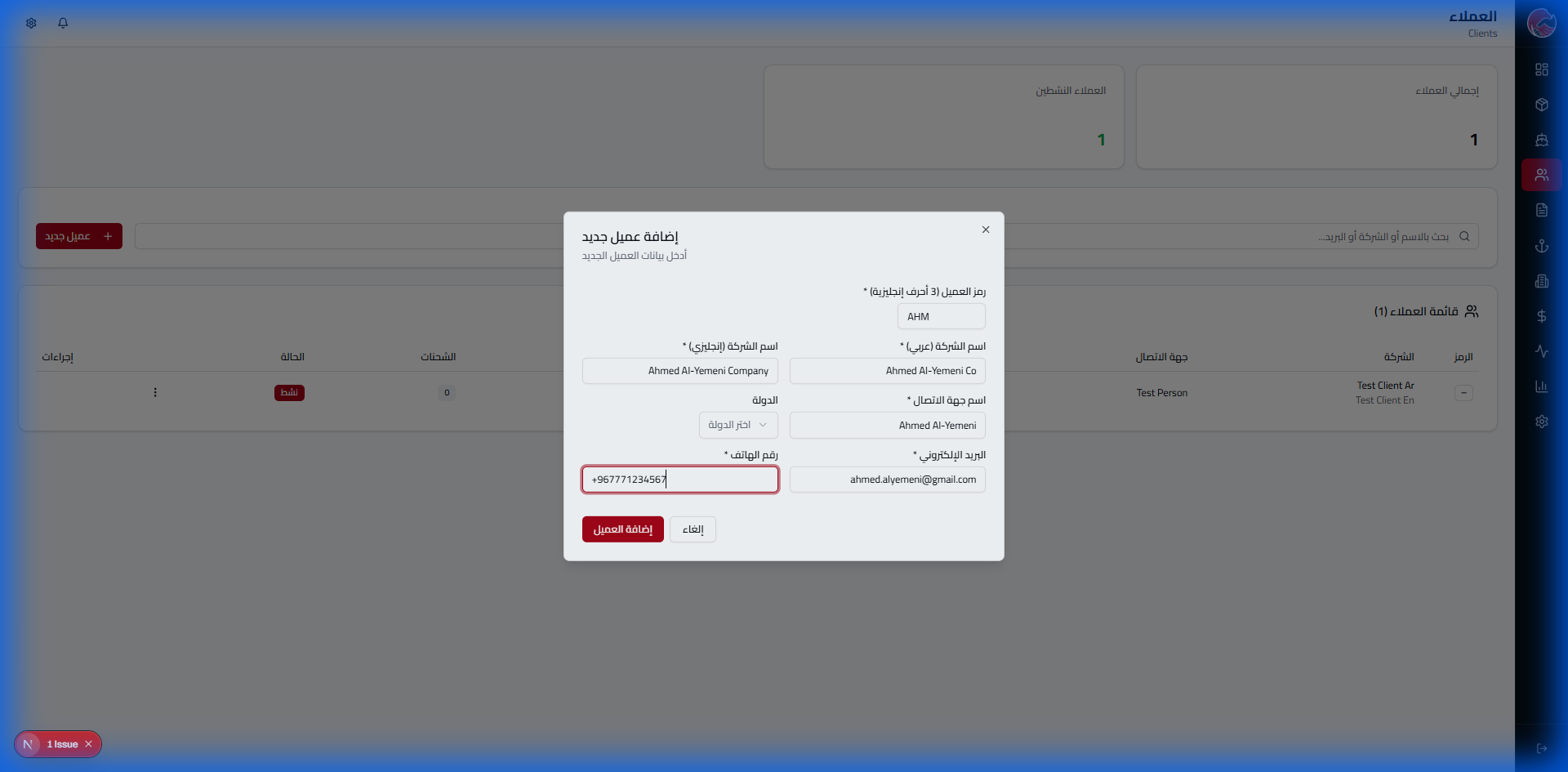
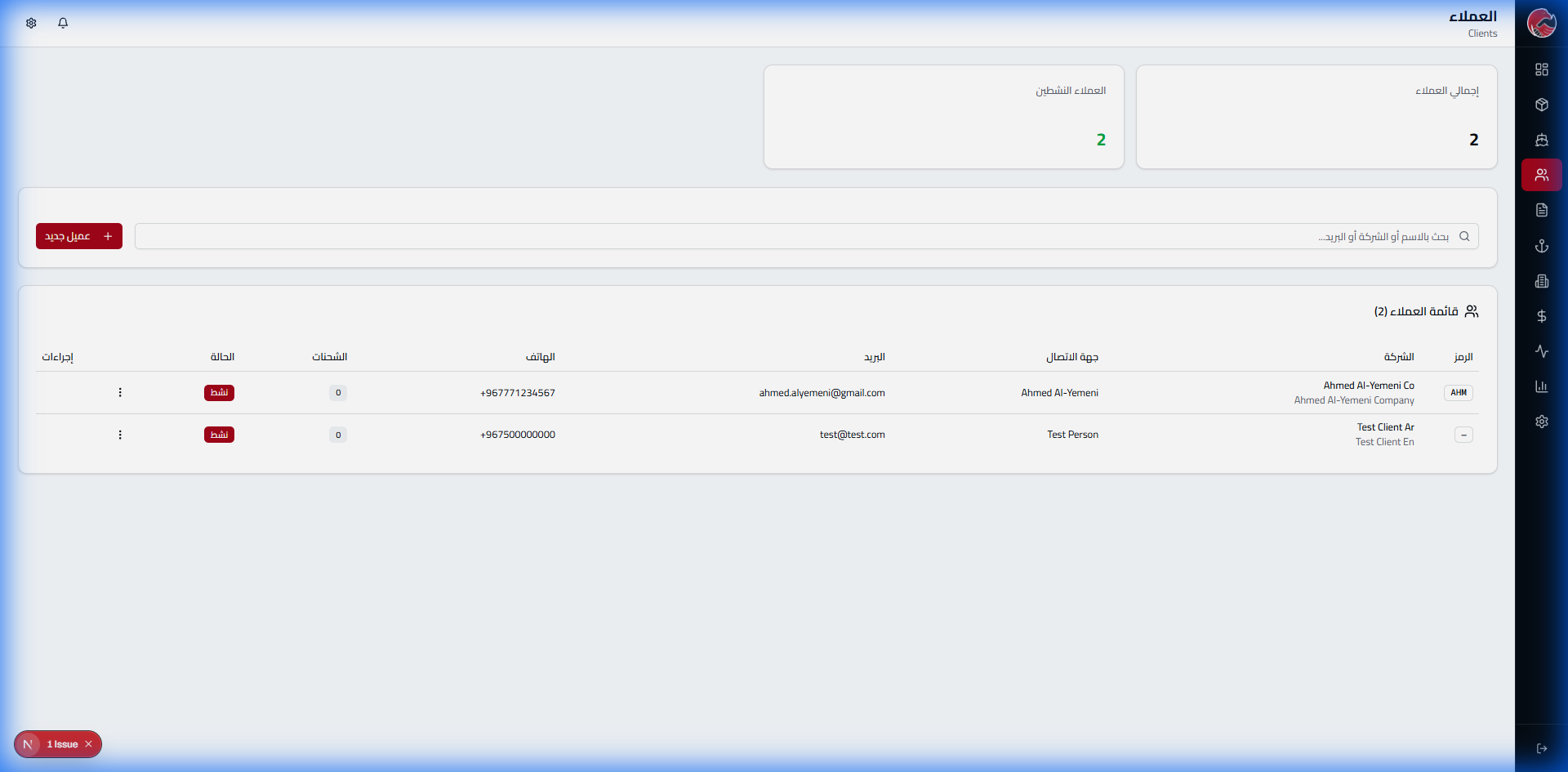
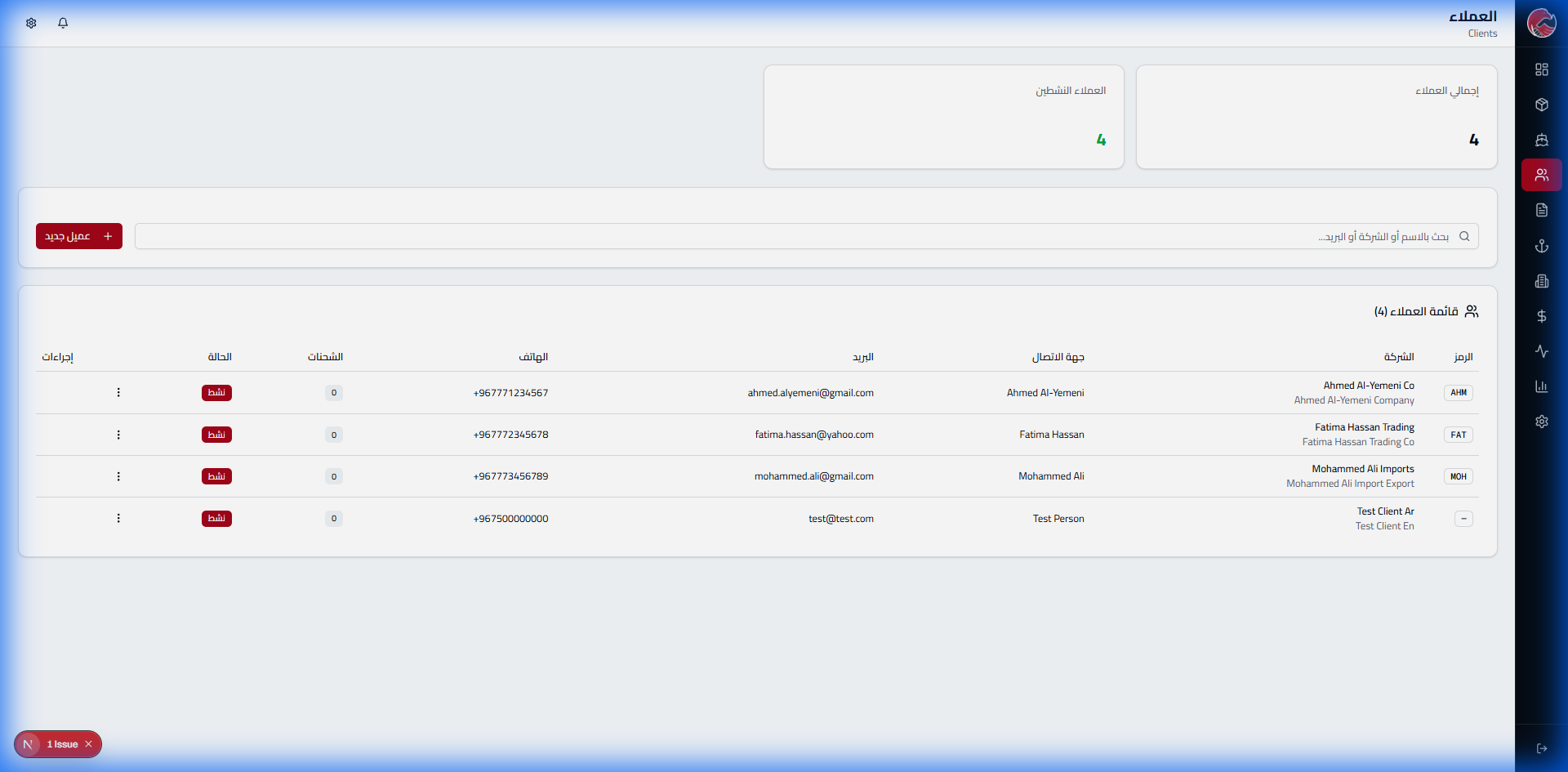
Adding the Second Client: Global Imports LLC
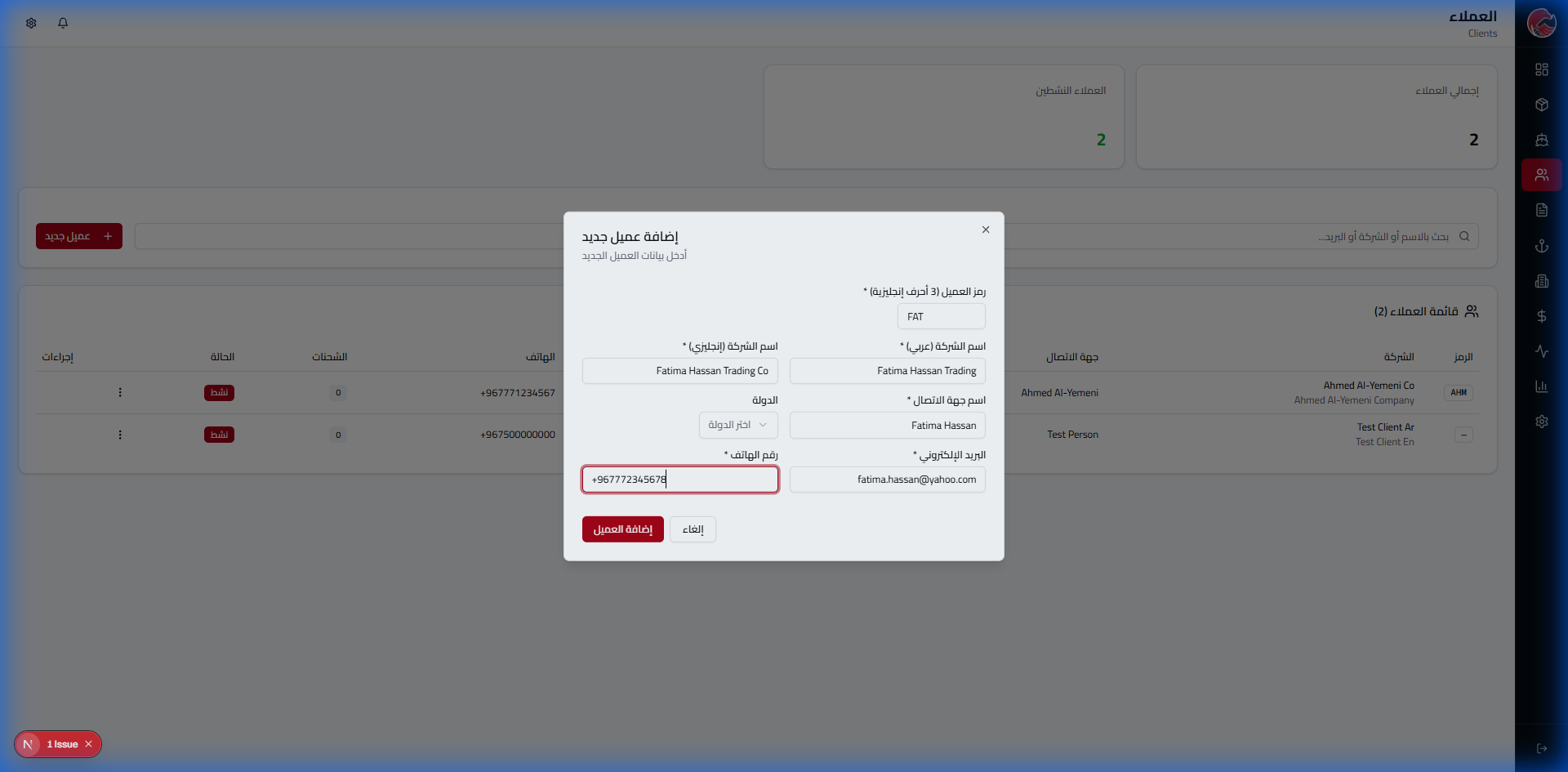
Adding the Third Client: Metro Logistics Est.
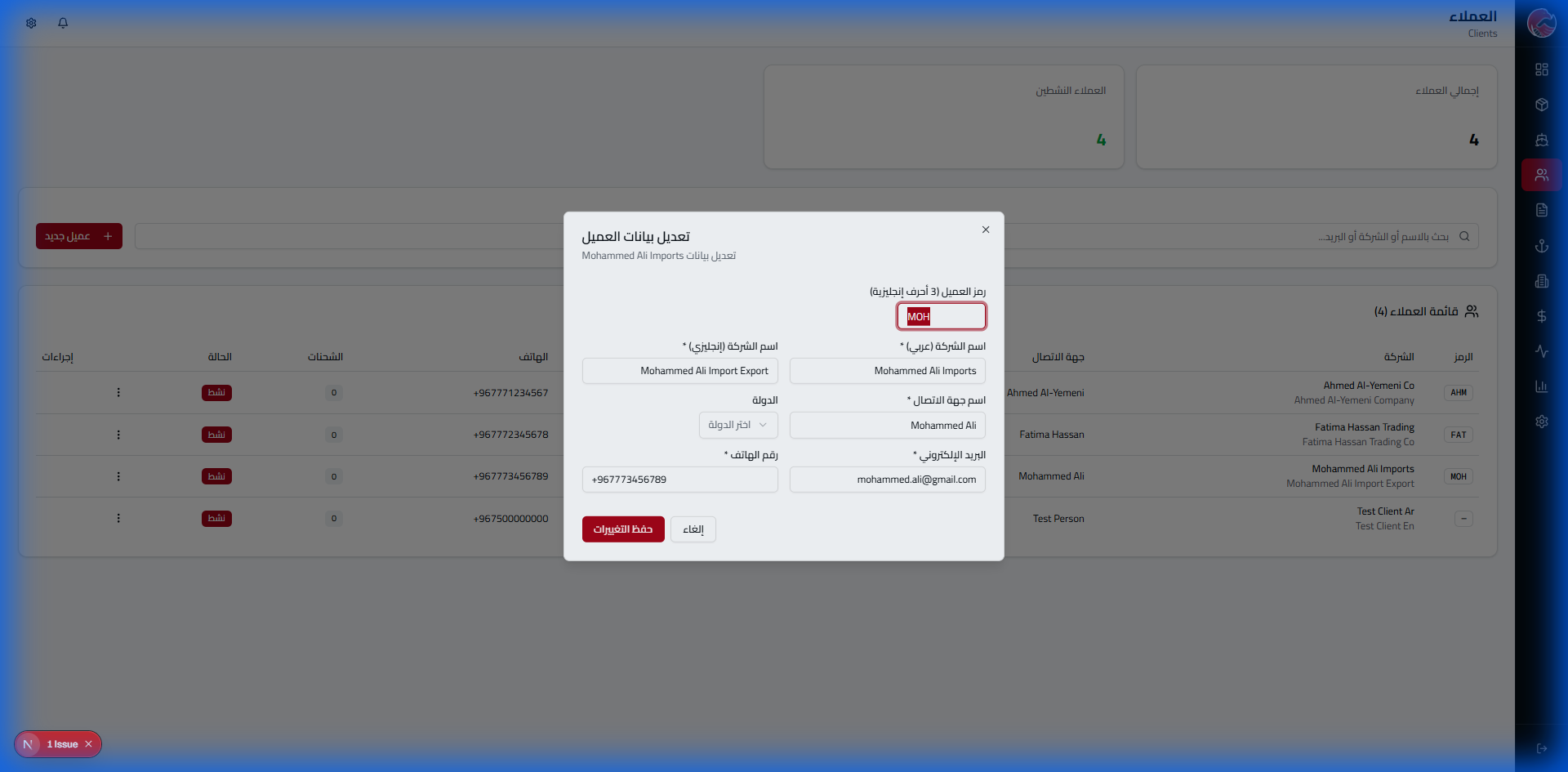
View Client Details
Available Actions
- Create a new shipment for the client
- View all client invoices
- View client activity report
- Edit client data
Port Management
Imagine that a destination port closed for emergency maintenance. In traditional systems, you need a developer to modify the code. With GlobeEagle, one change with a single click!
New Feature: Instant Port Status Toggle!
We added an instant toggle feature to activate or deactivate ports with a single click - without reloading the page!
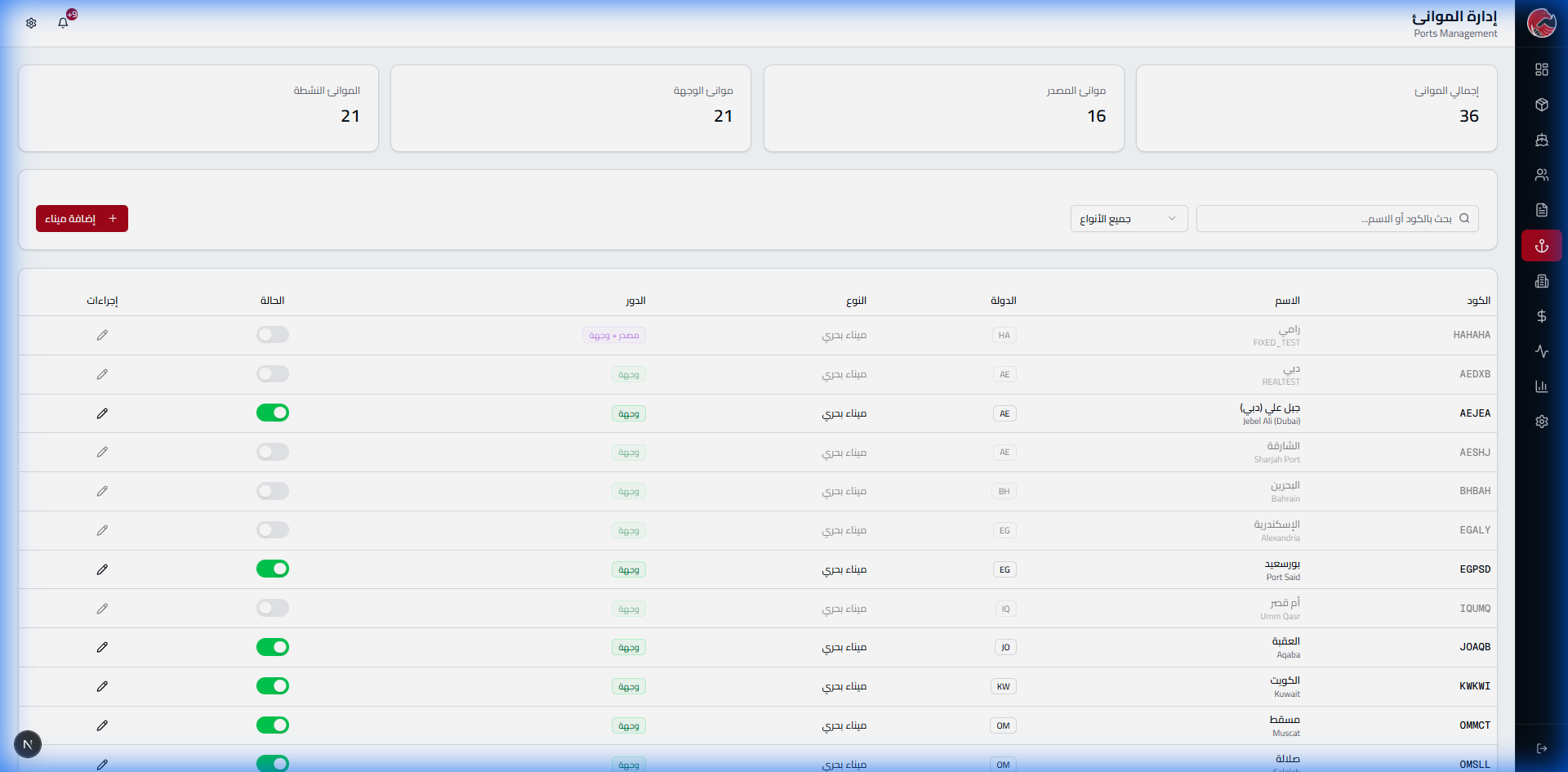
Instant Toggle Feature
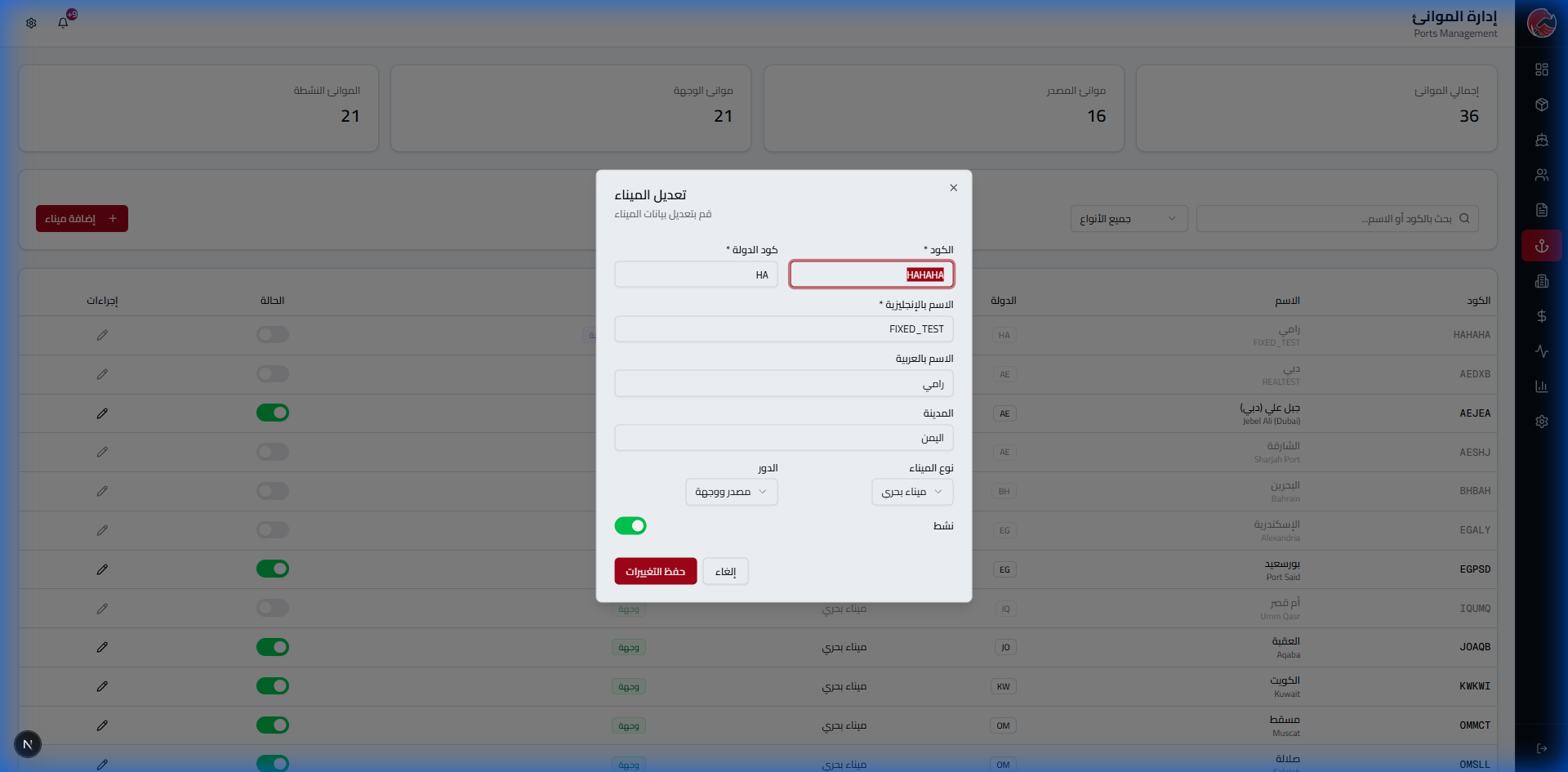
Active Status (Green)
Port is available for use in new shipments
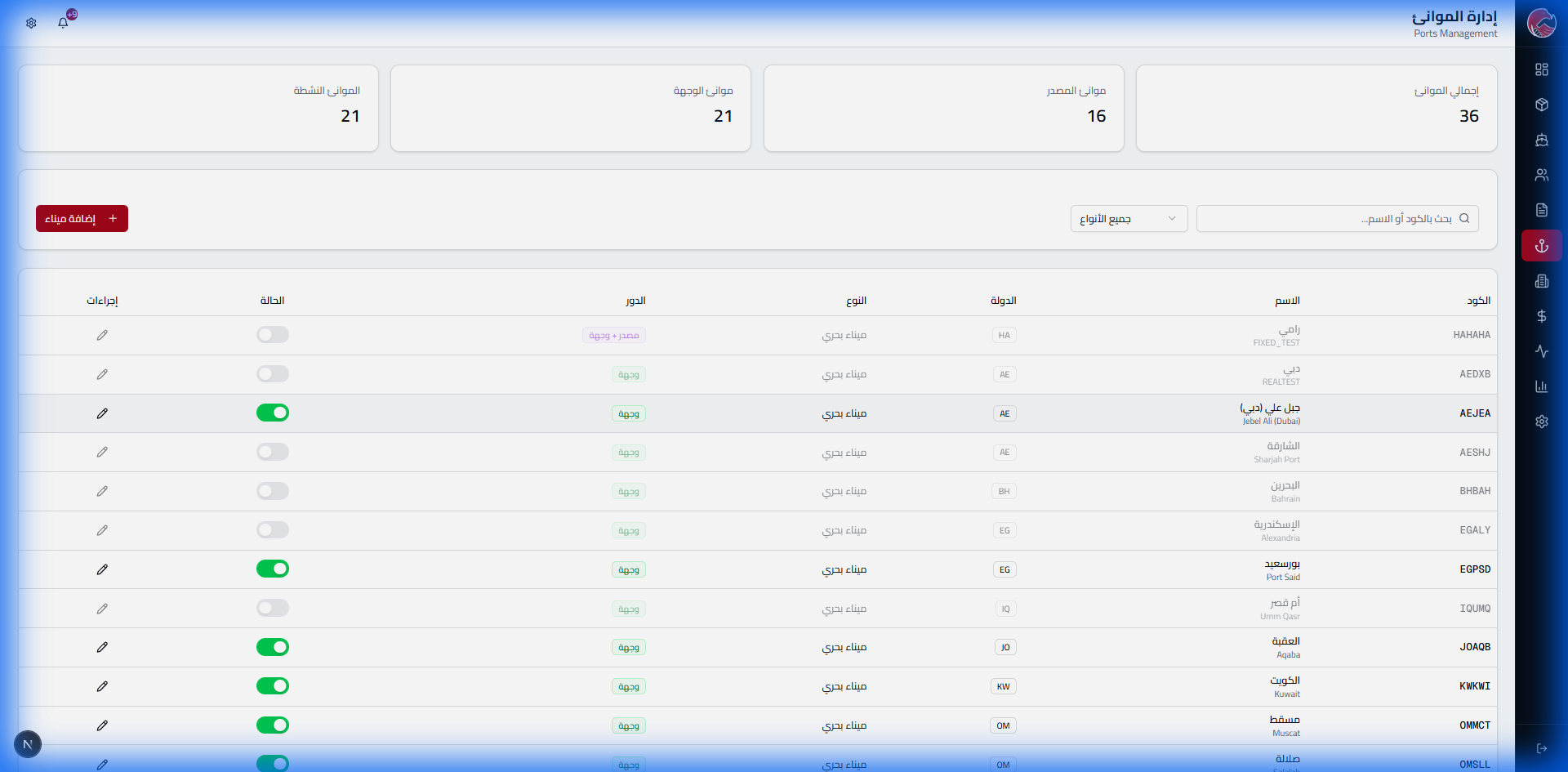
Disabled Status (Gray)
Port is unavailable - won't appear in selection lists
Edit Port Data
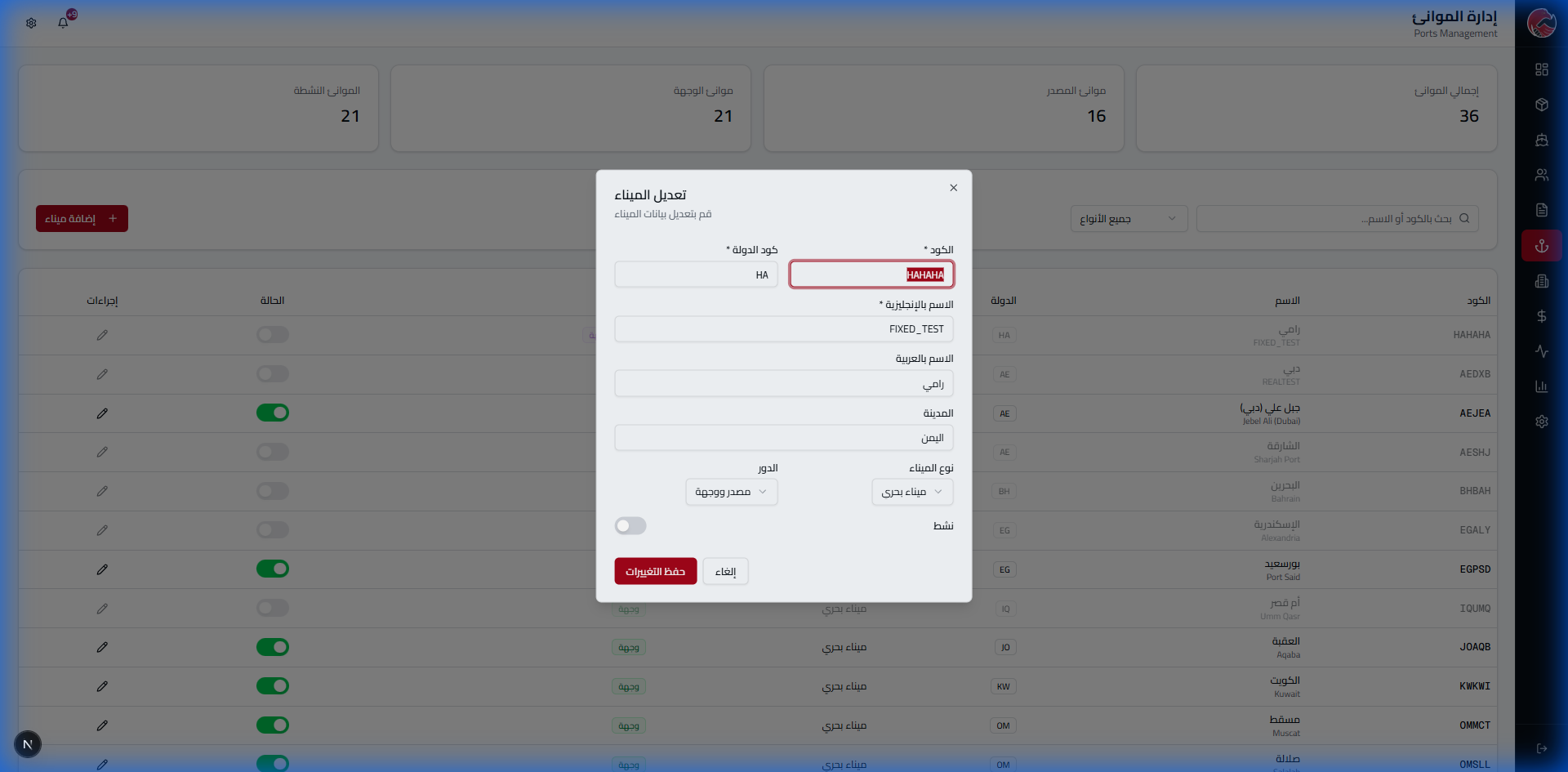
What Makes This Design Special
- Instant update: Changes reflect immediately without reload
- Updated stats: "Active Ports" counter updates automatically
- Unified interface: Toggle available in both the table and edit window
Add a New Port
Shipping Rates
The most powerful feature in the system! Rates are managed centrally and appear to clients on the website instantly. No need to send emails or wait for replies!
The Problem & Solution
The Problem: Client asks for a price → we wait for response → time and client are lost
The Solution: Prices appear on the website instantly! Dynamic rates per route with estimated journey time - updated weekly
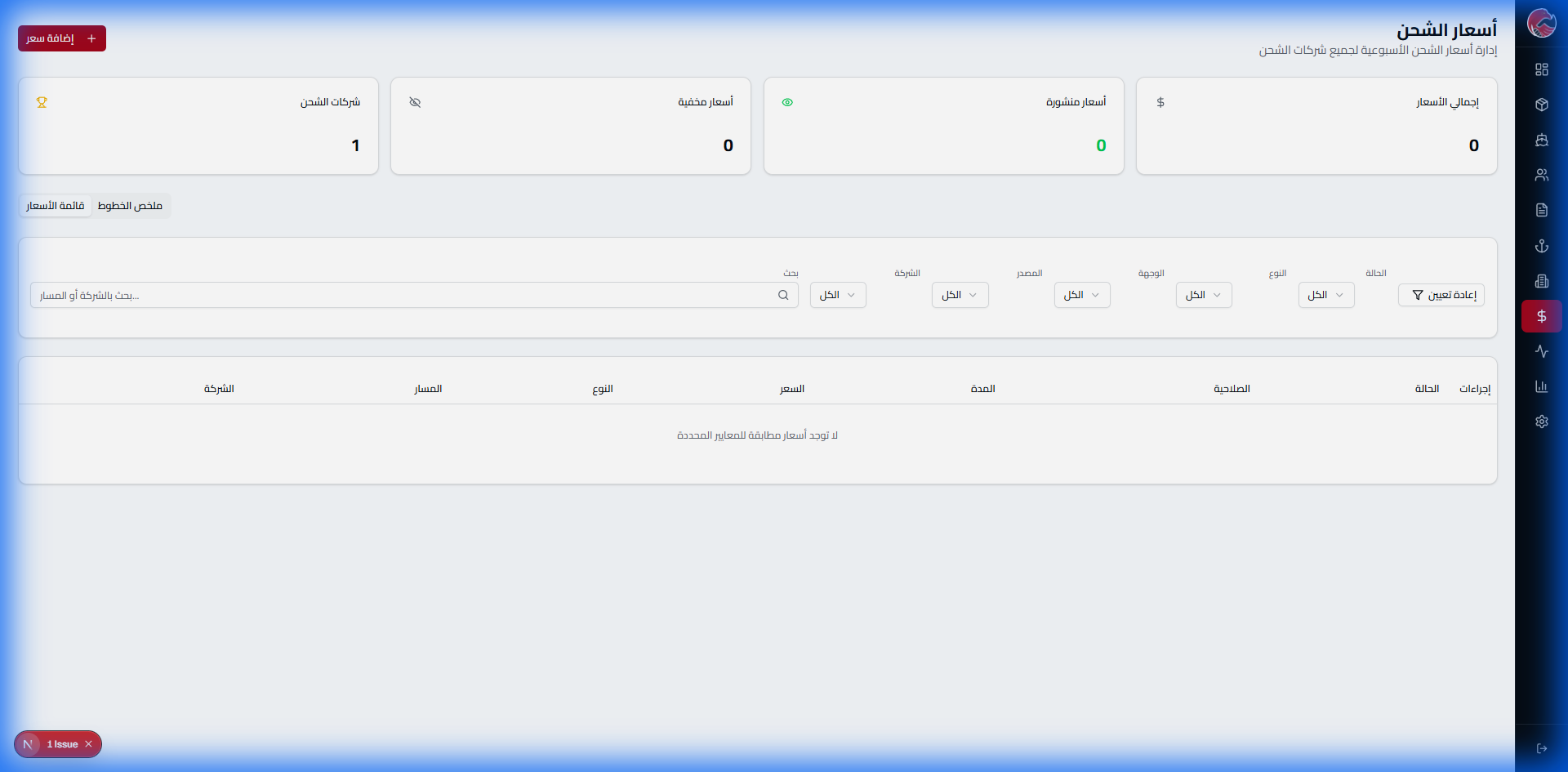
Add a New Rate
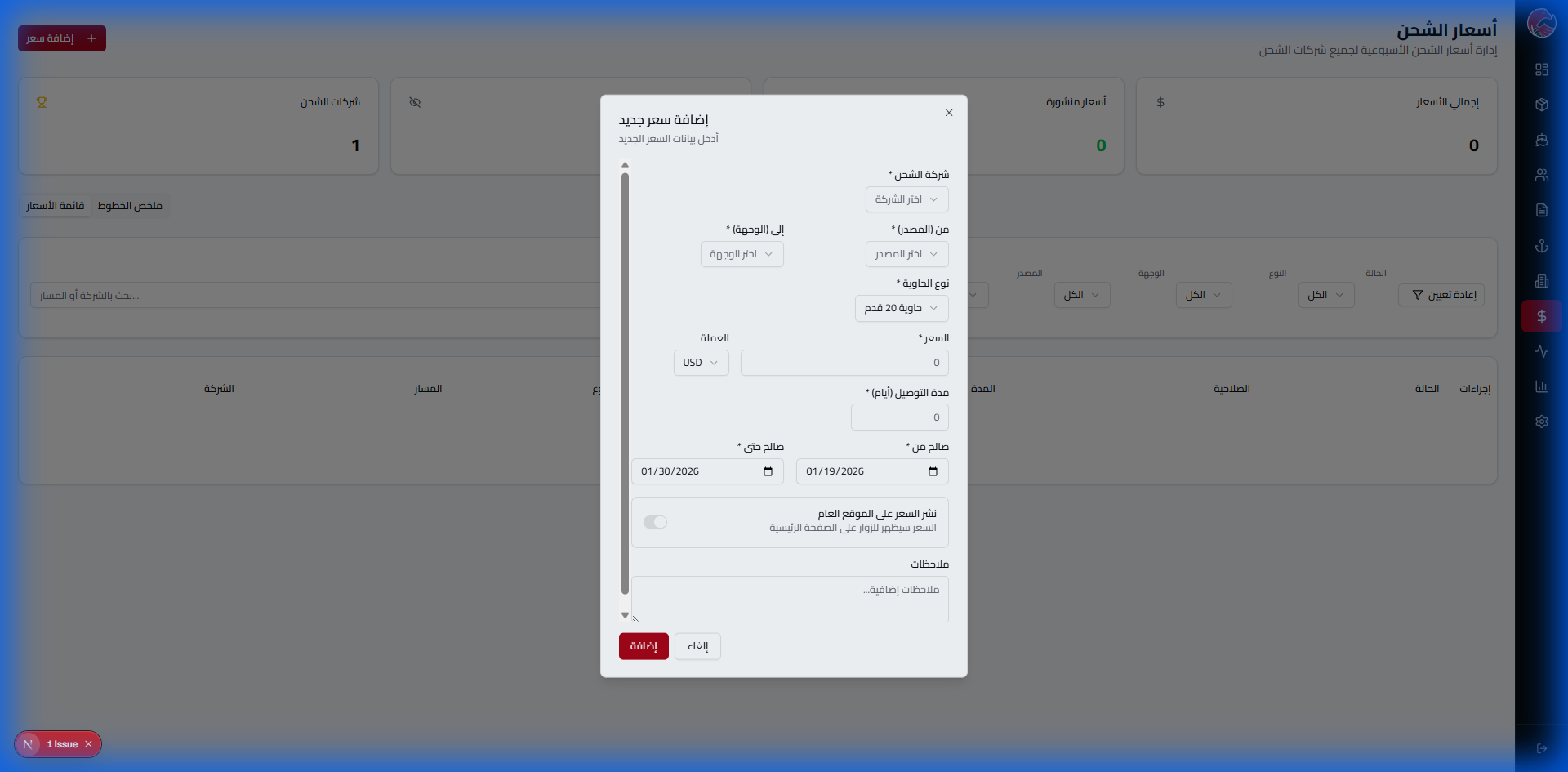
| Field | Description |
|---|---|
| Origin Port | The port from which goods will depart |
| Destination Port | The port where goods will arrive |
| Container Type | 20ft / 40ft / 40ft HC |
| Price/CBM | Price per cubic meter |
| Price/kg | Price per kilogram |
Shipment Management
The shipment is the heart of the business. From the moment goods arrive at the warehouse to delivery to the client - every step is controlled and tracked!
The Problem & Solution
The Problem: Shipments get lost between papers and emails
The Solution: Unique tracking number GE-XXXX + barcode + automatic notifications

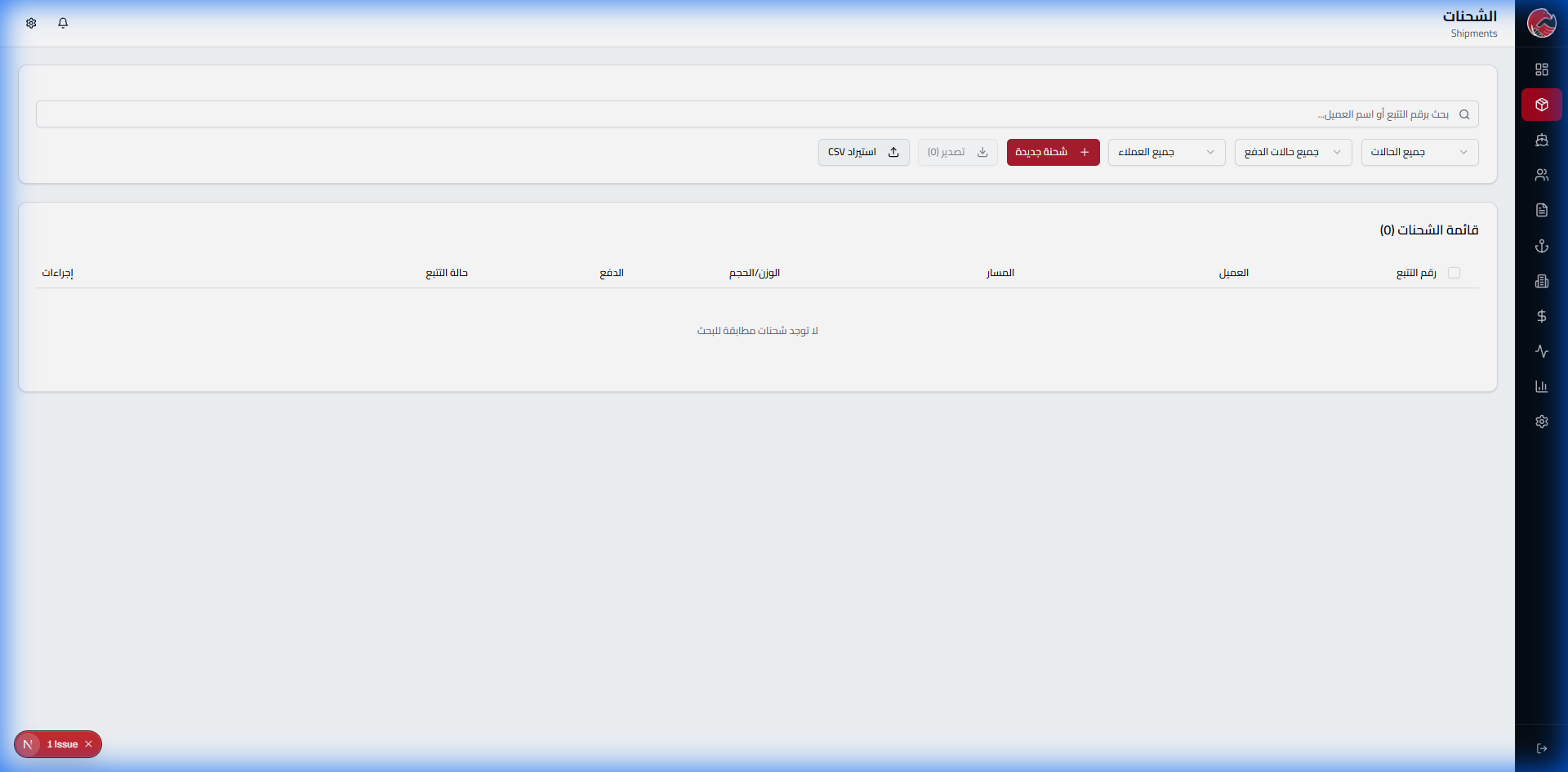
Create a New Shipment
Step 1: Creation Page
Step 2: Empty Form
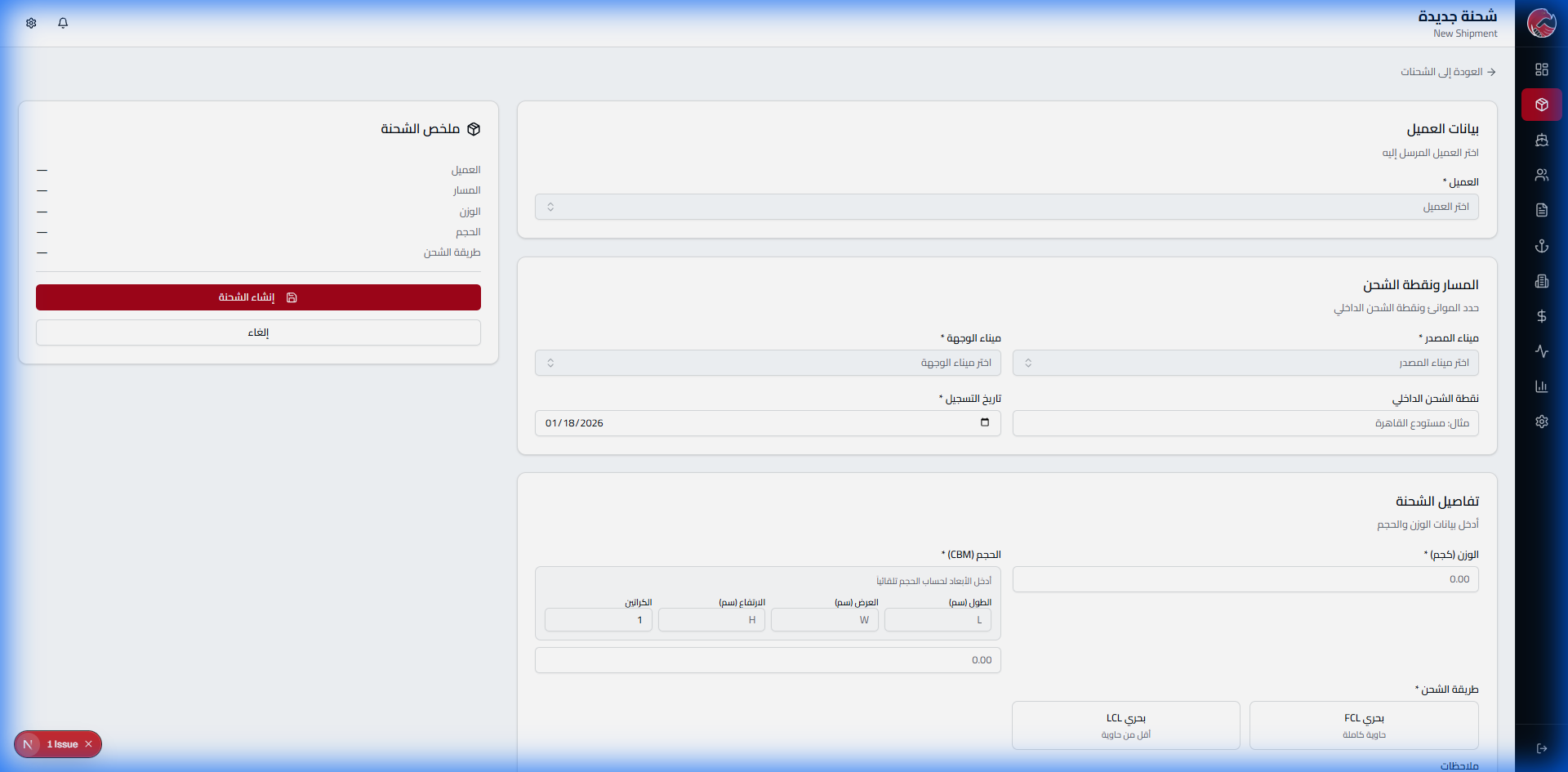
Step 3: Select Client and Route
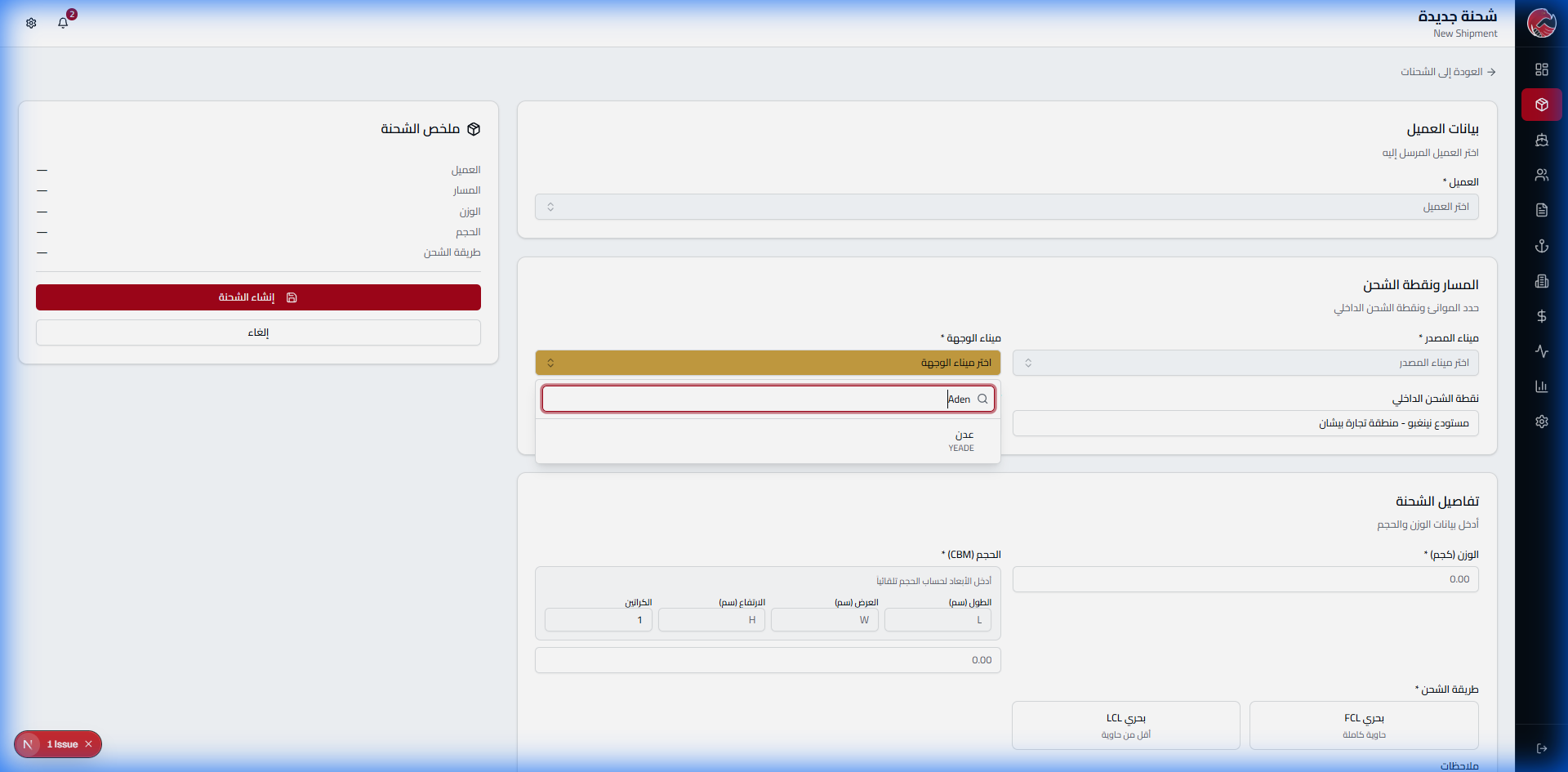
Step 4: Add Products
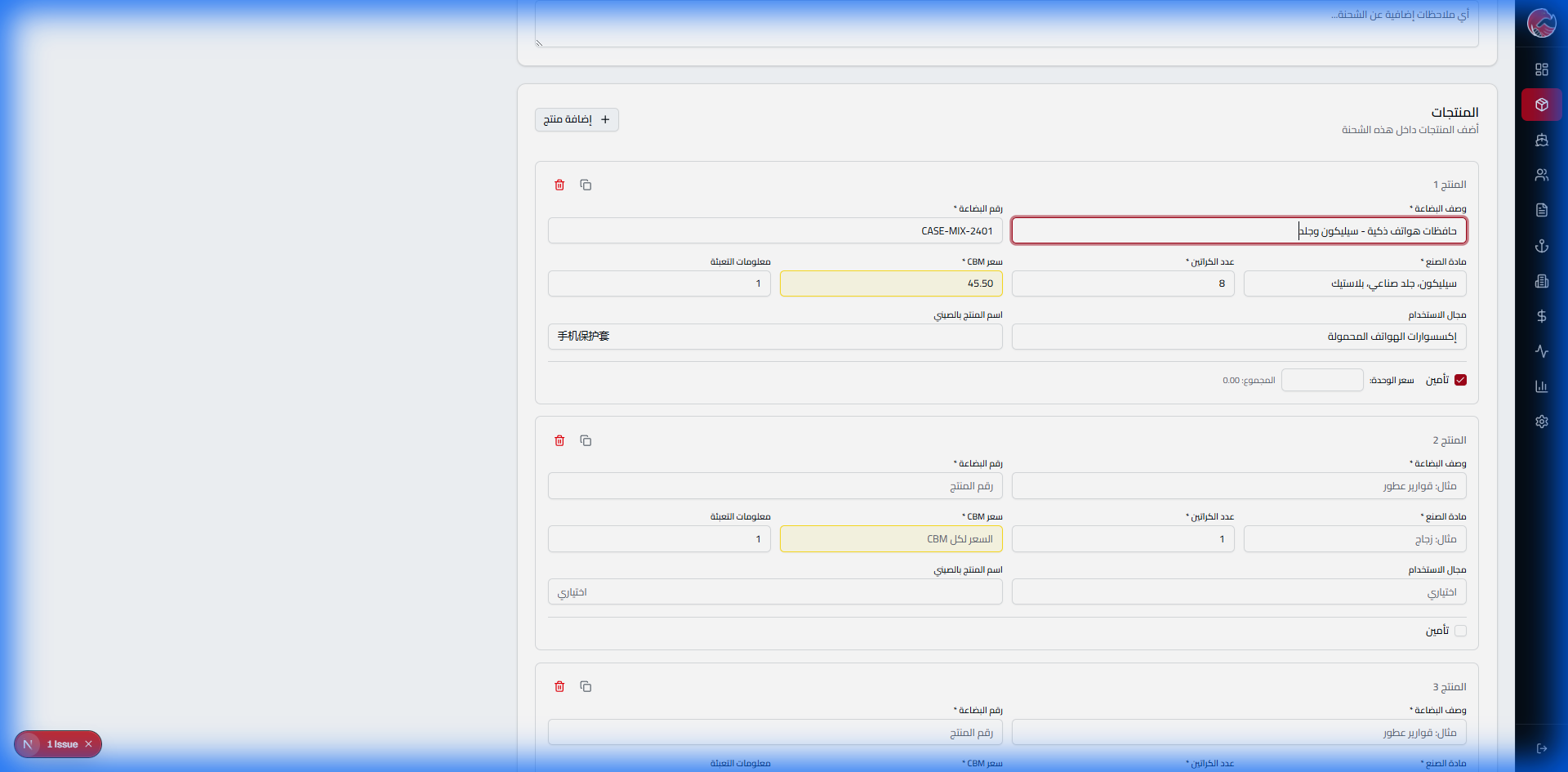
Product Information
- Description (Arabic and English)
- Material type (Plastic, Metal, Electronics, etc.)
- Packaging type (Carton, Pallet, Bag, etc.)
- Quantity (number of pieces)
- Additional notes
Step 5: Review
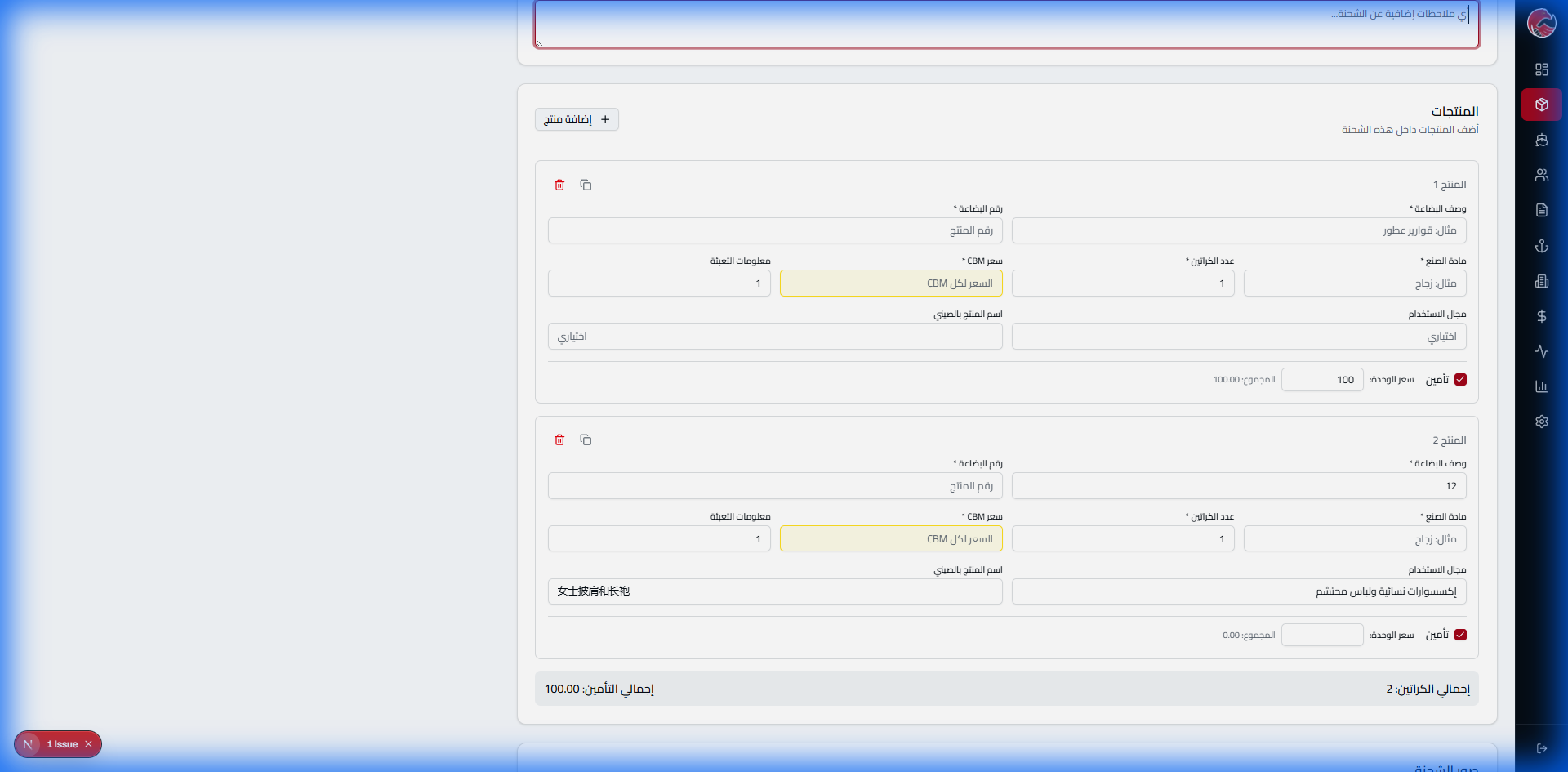
Step 6: Confirm Creation
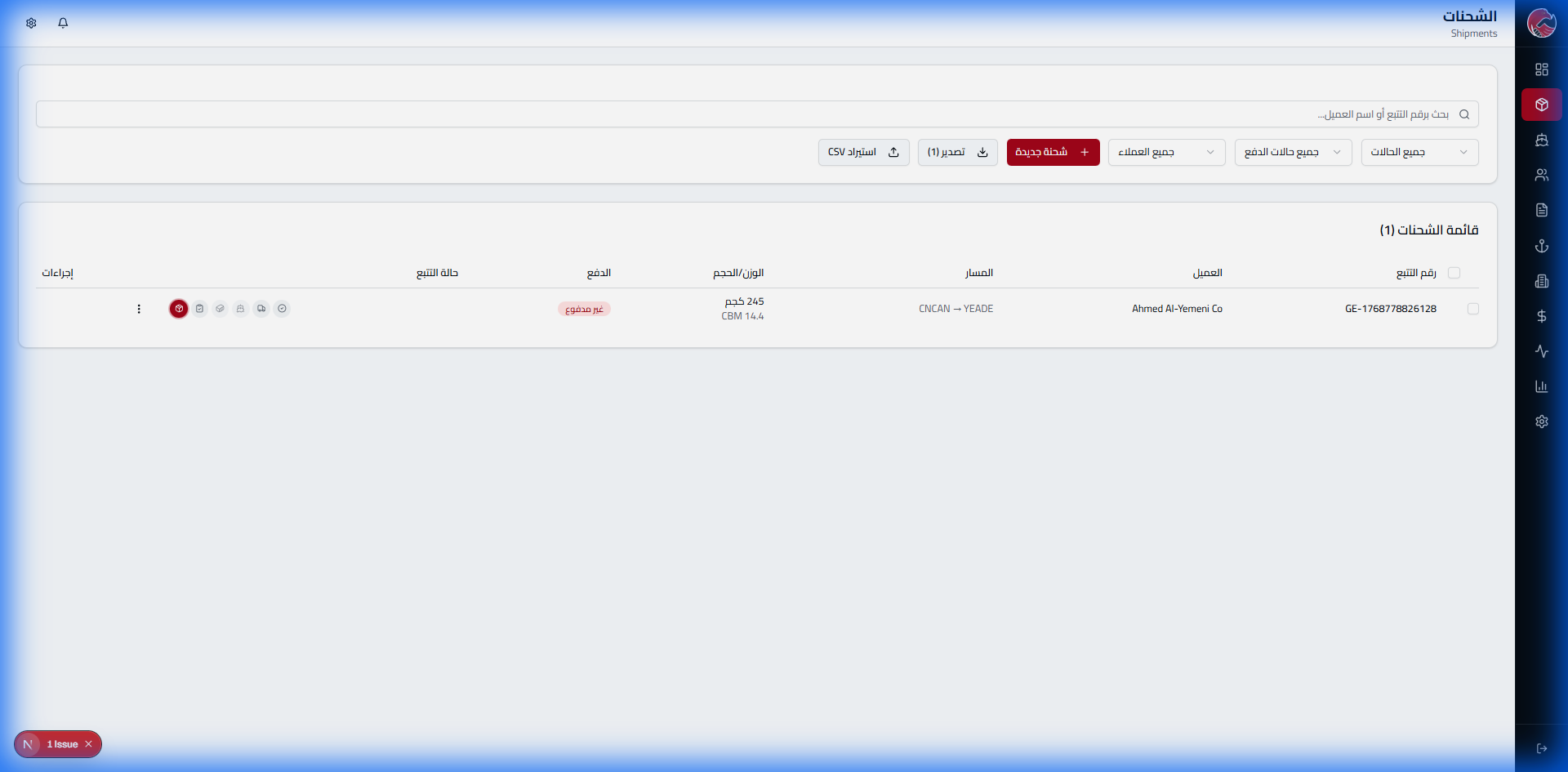
Tracking Number Generated
After saving, the system automatically generates a unique tracking number in the format
GE-XXXXXXXXXXXX
The client receives an instant notification via email and WhatsApp
Origin Warehouse - The Starting Point
This is where every shipment's journey begins. At the origin warehouse, the team receives goods from suppliers, inspects quality, weighs, labels, and loads into containers. Nothing leaves without complete documentation!
The Problem & Solution
The Problem: Receiving and inspection errors cost thousands of dollars in claims
The Solution: Digital inspection system with photo and weight documentation
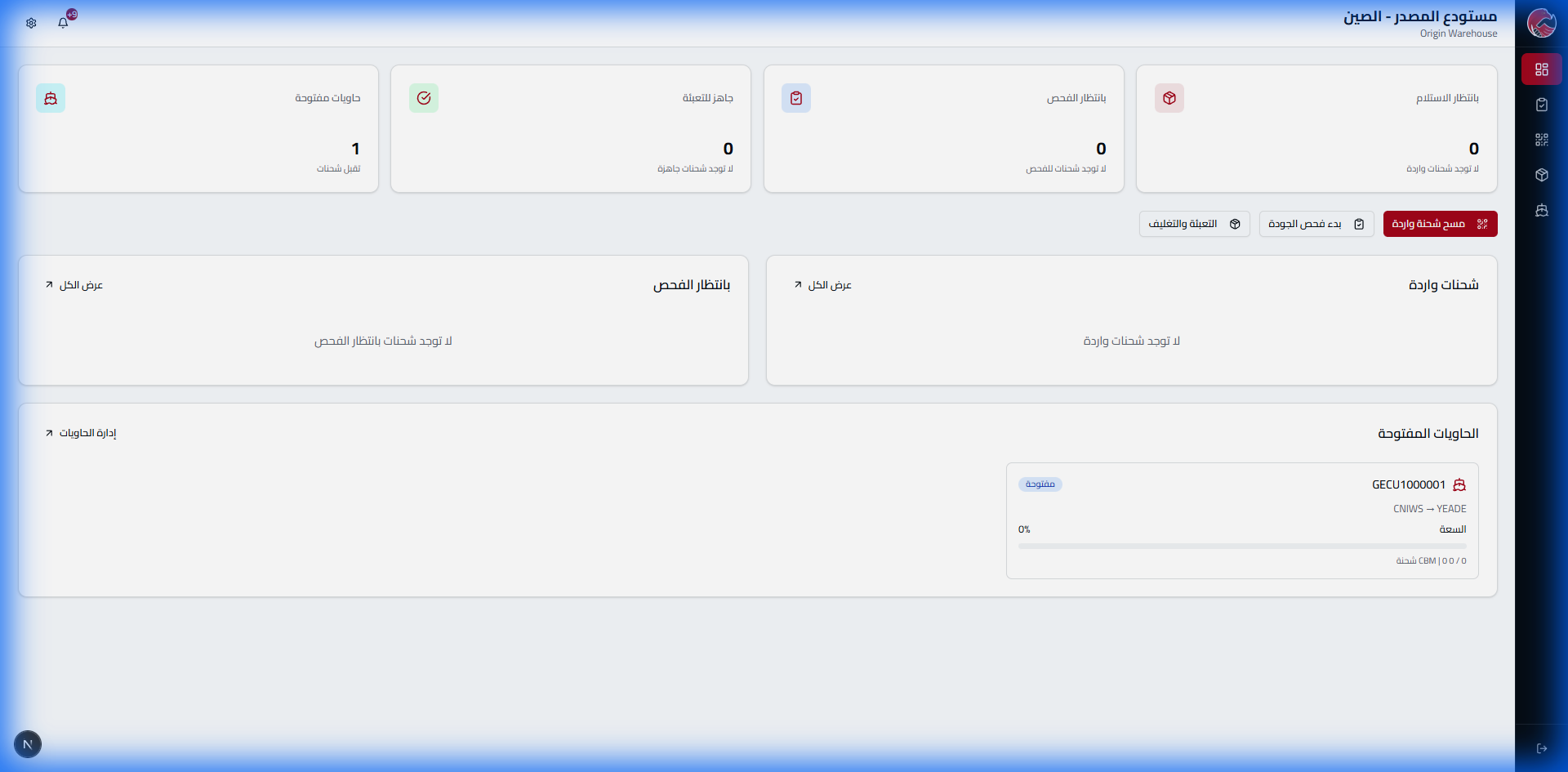
Warehouse Dashboard
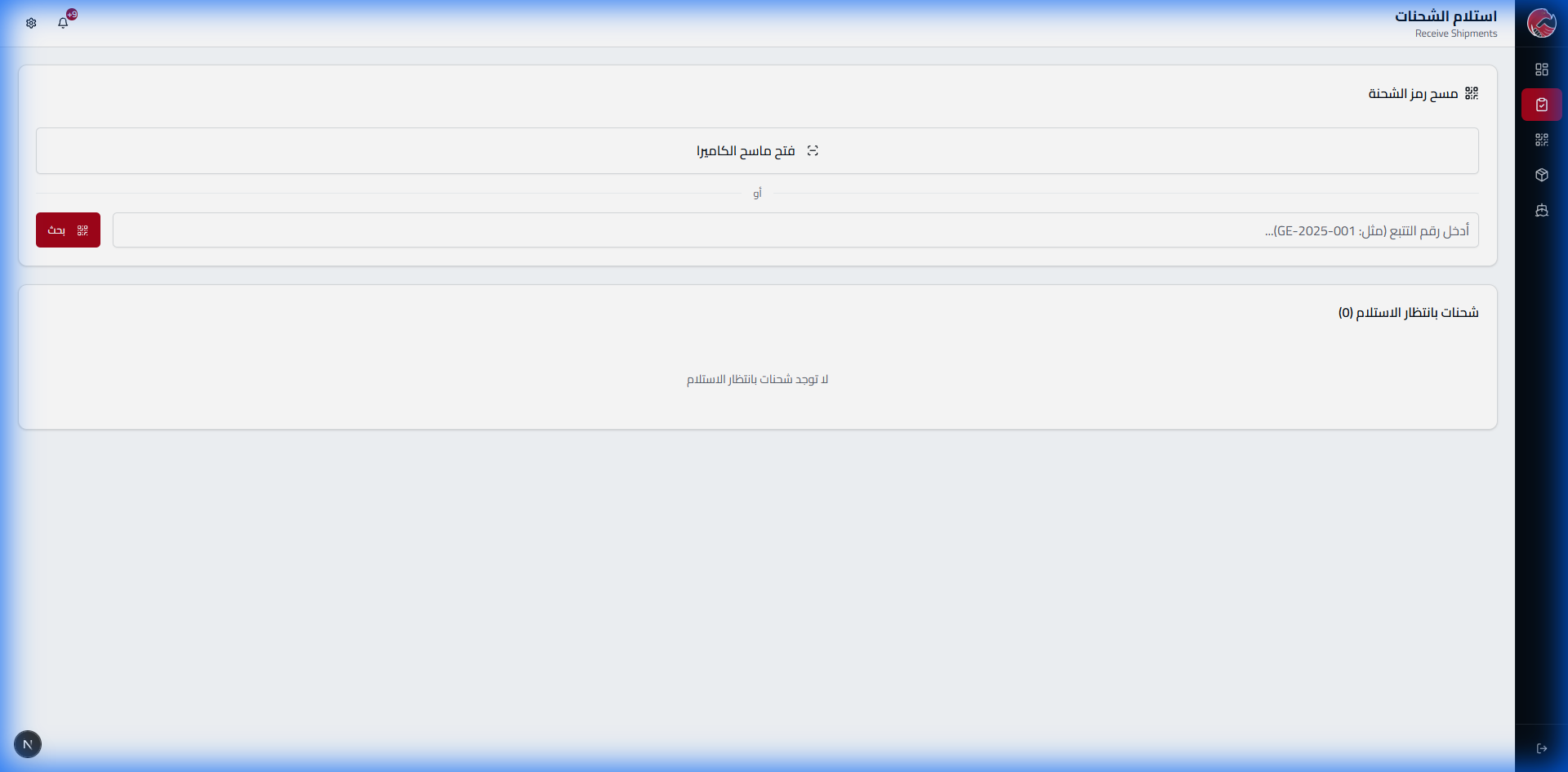
Receiving Shipments
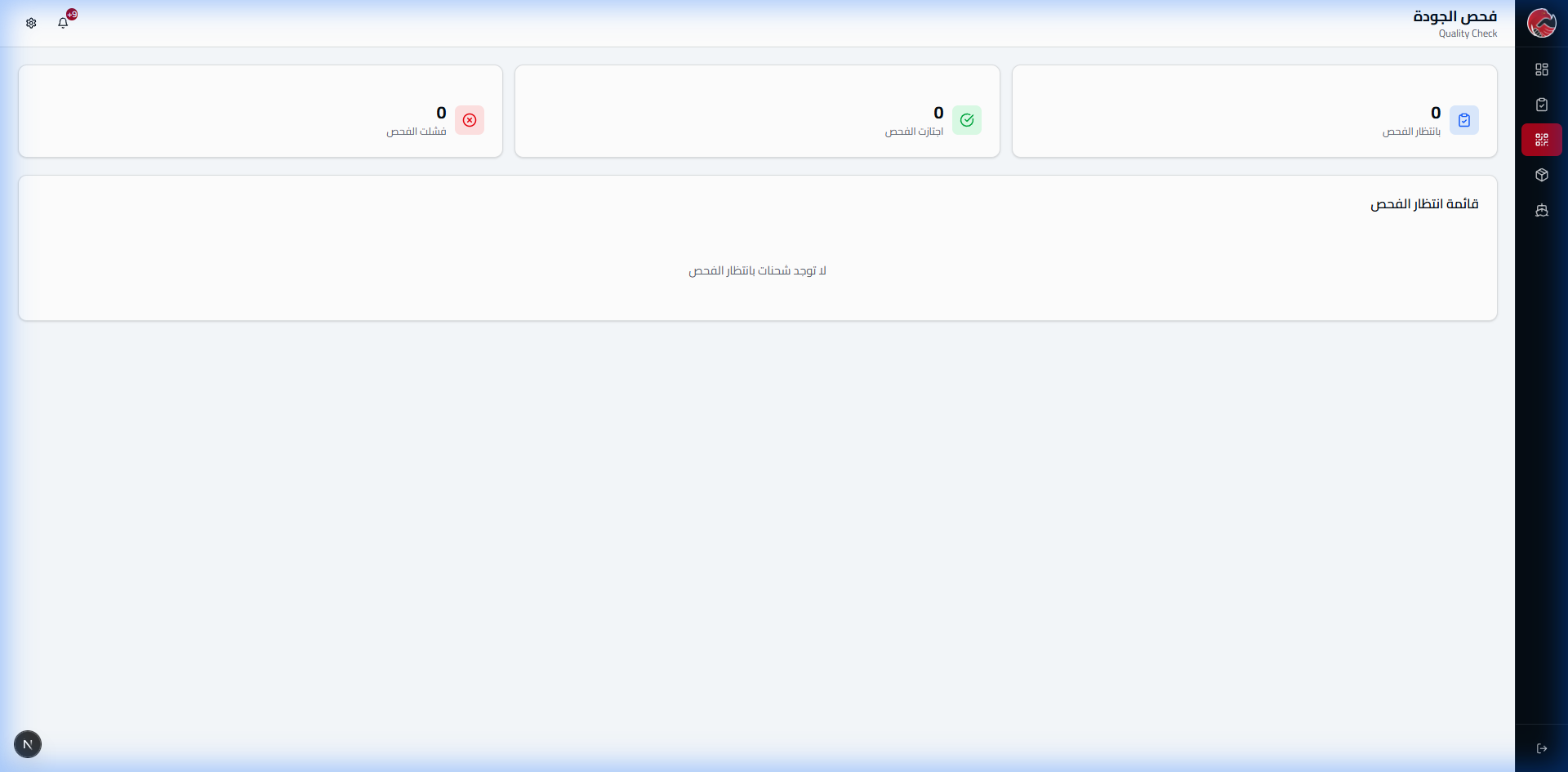
Quality Control (QC)
Quality Control Scenarios
Scenario 1: Passed Inspection
Result: Approved
- Actual weight matches expected: 186 kg
- Packaging in excellent condition
- Status changes to: Ready to Load
Scenario 2: Partial Damage
Result: Needs Approval
- Weight difference: -2 kg
- Minor damage to one carton
- Notification sent to client with photos
- Status: Needs Approval
Scenario 3: On Hold (Immediate Action)
Result: Immediate Hold
- Major weight difference: -16 kg (5.8%)
- Two complete cartons missing
- Possible theft or loss
- Status: On Hold
- Immediate investigation opened
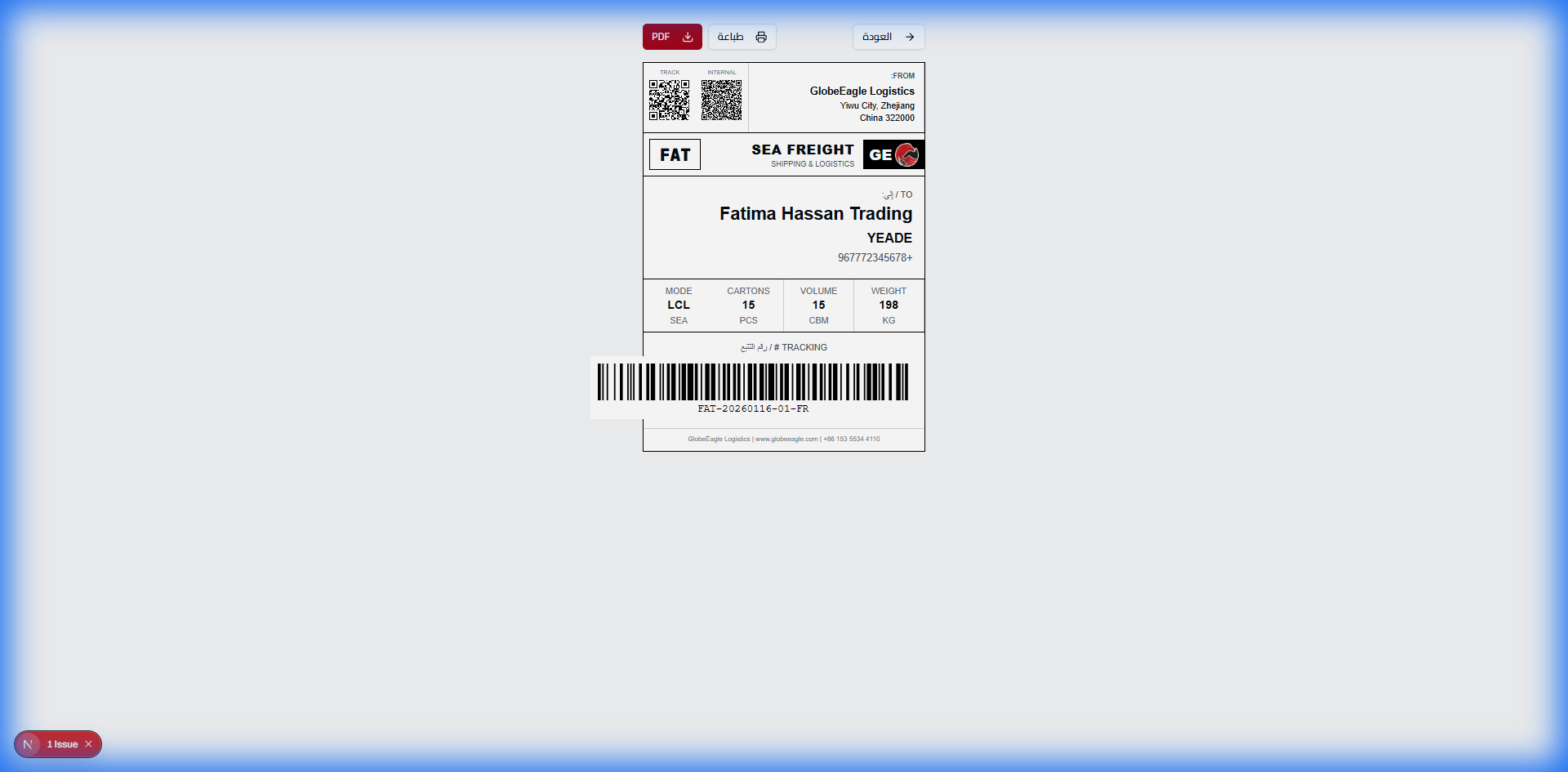
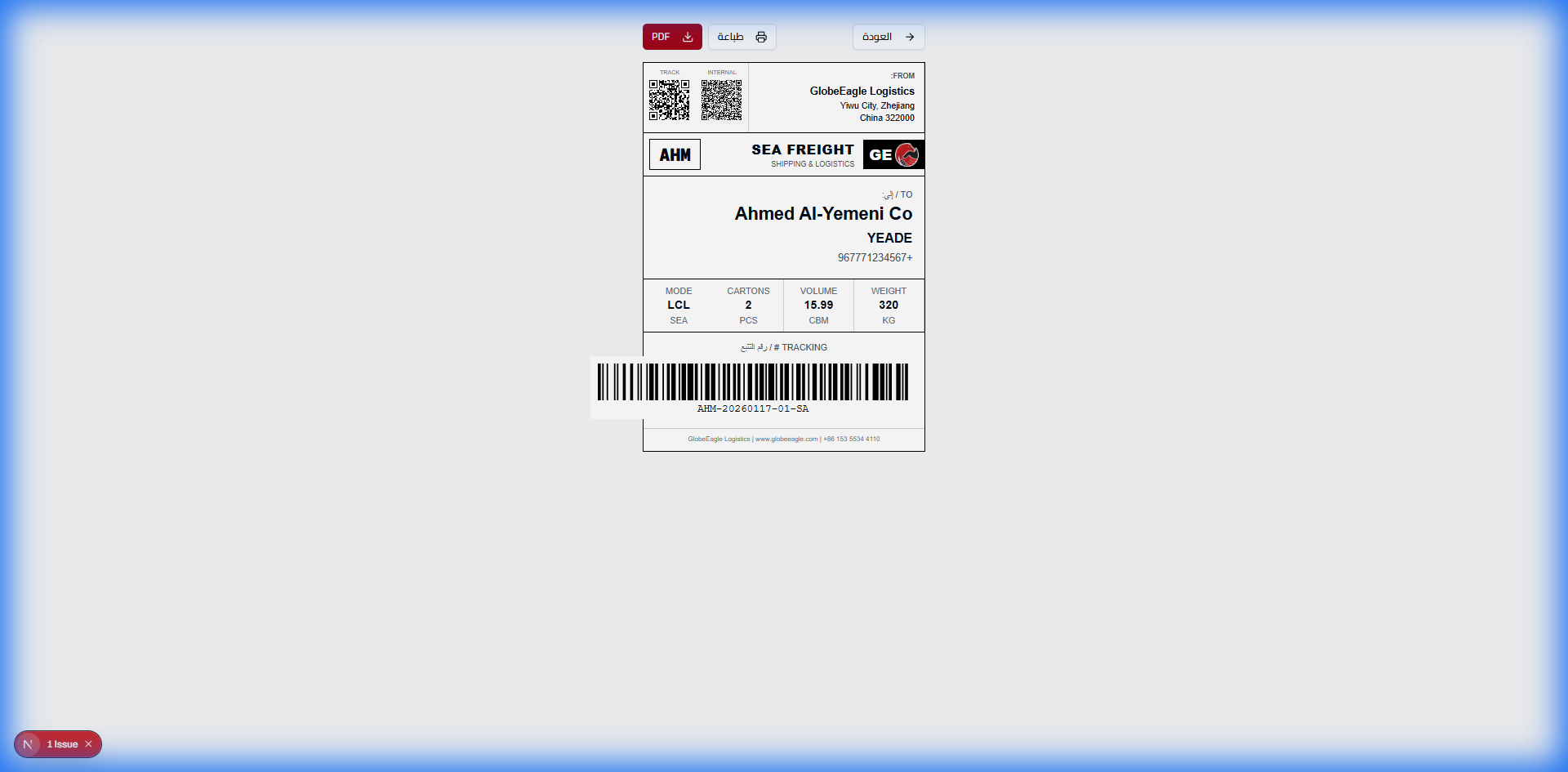
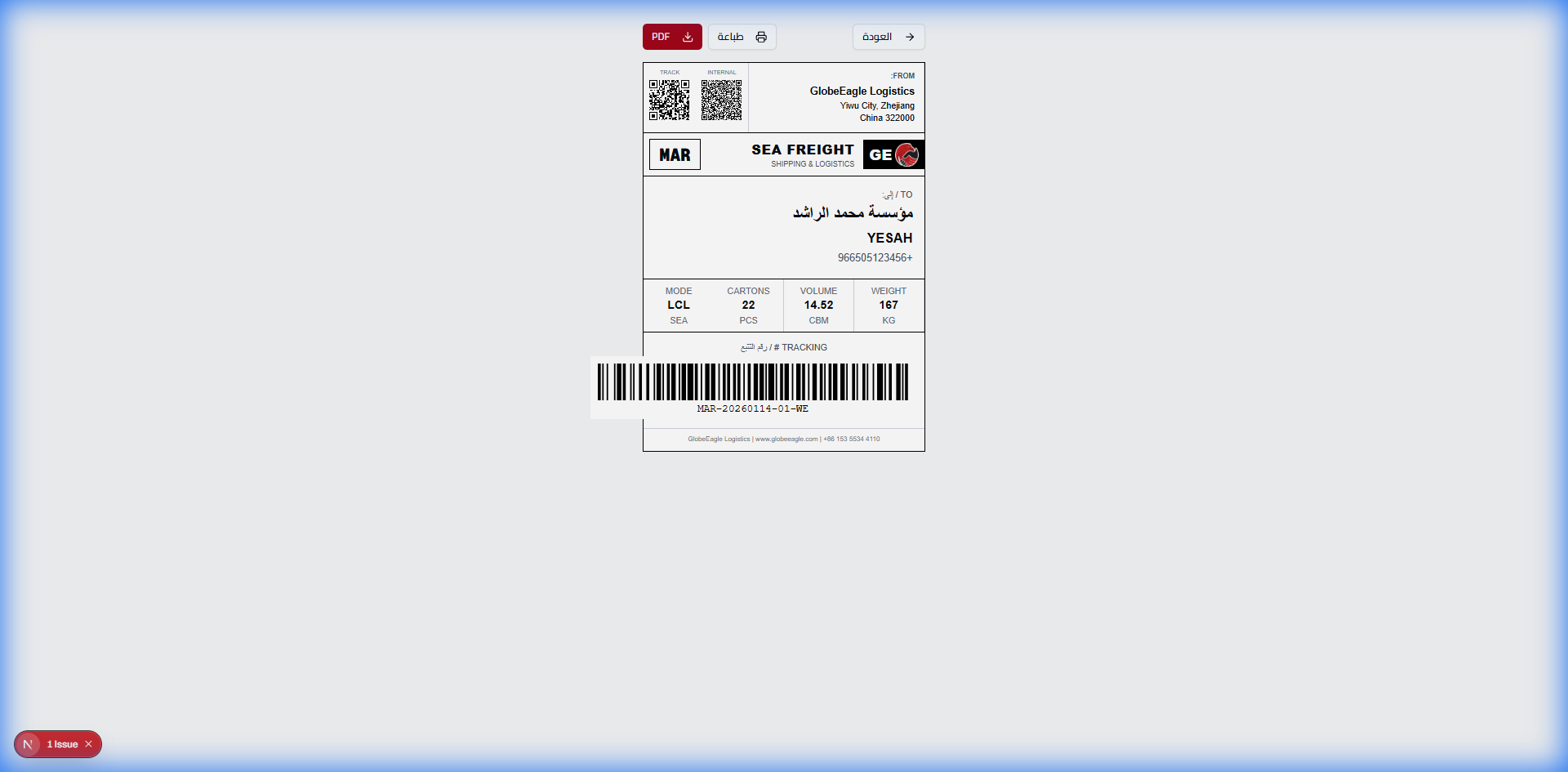
Label Printing
Container Management
The container is the heart of shipping operations. The system tracks every container from creation to arrival - and displays the fill rate in real-time!
The Problem & Solution
The Problem: Containers ship half empty = major losses
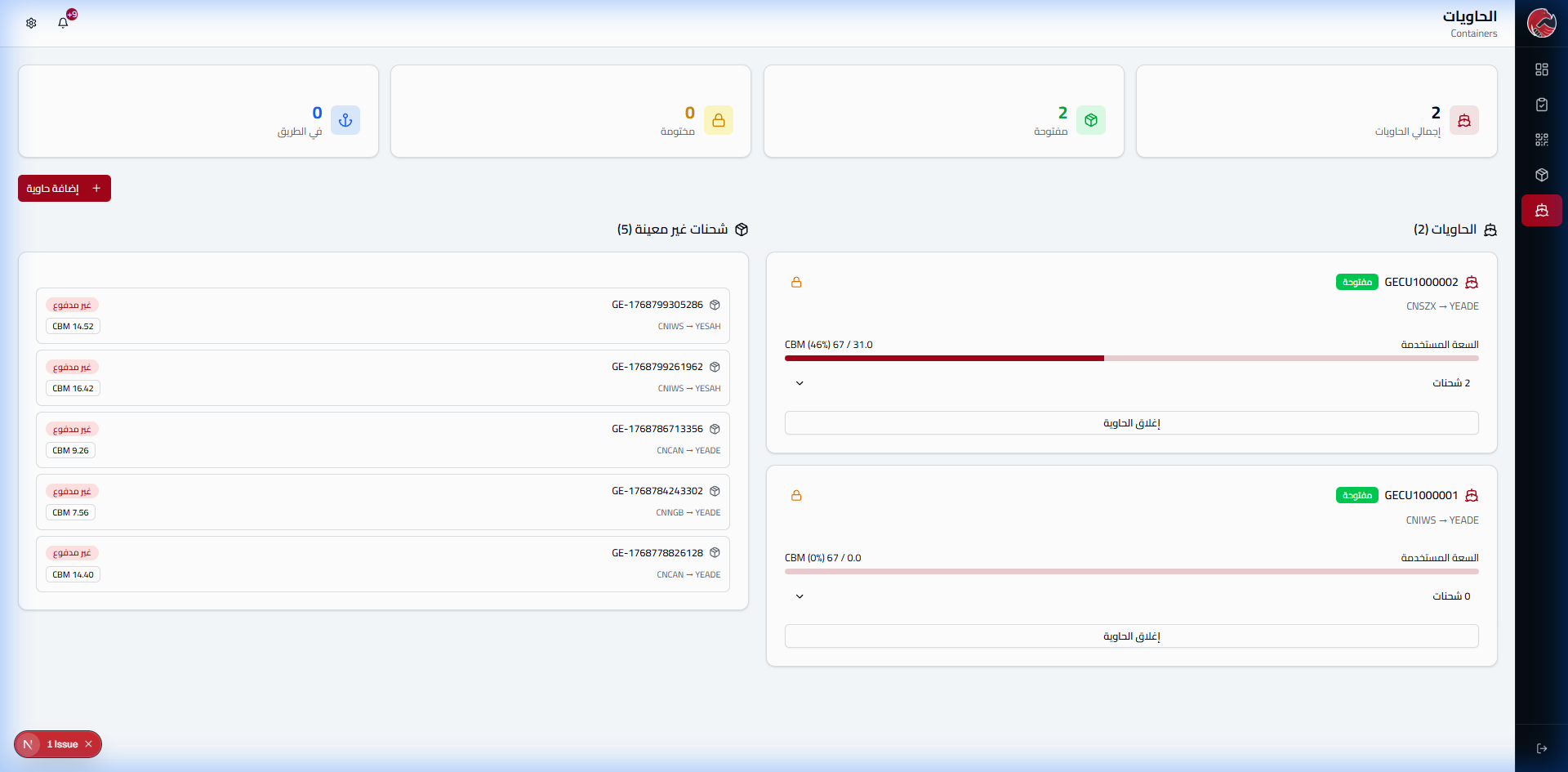
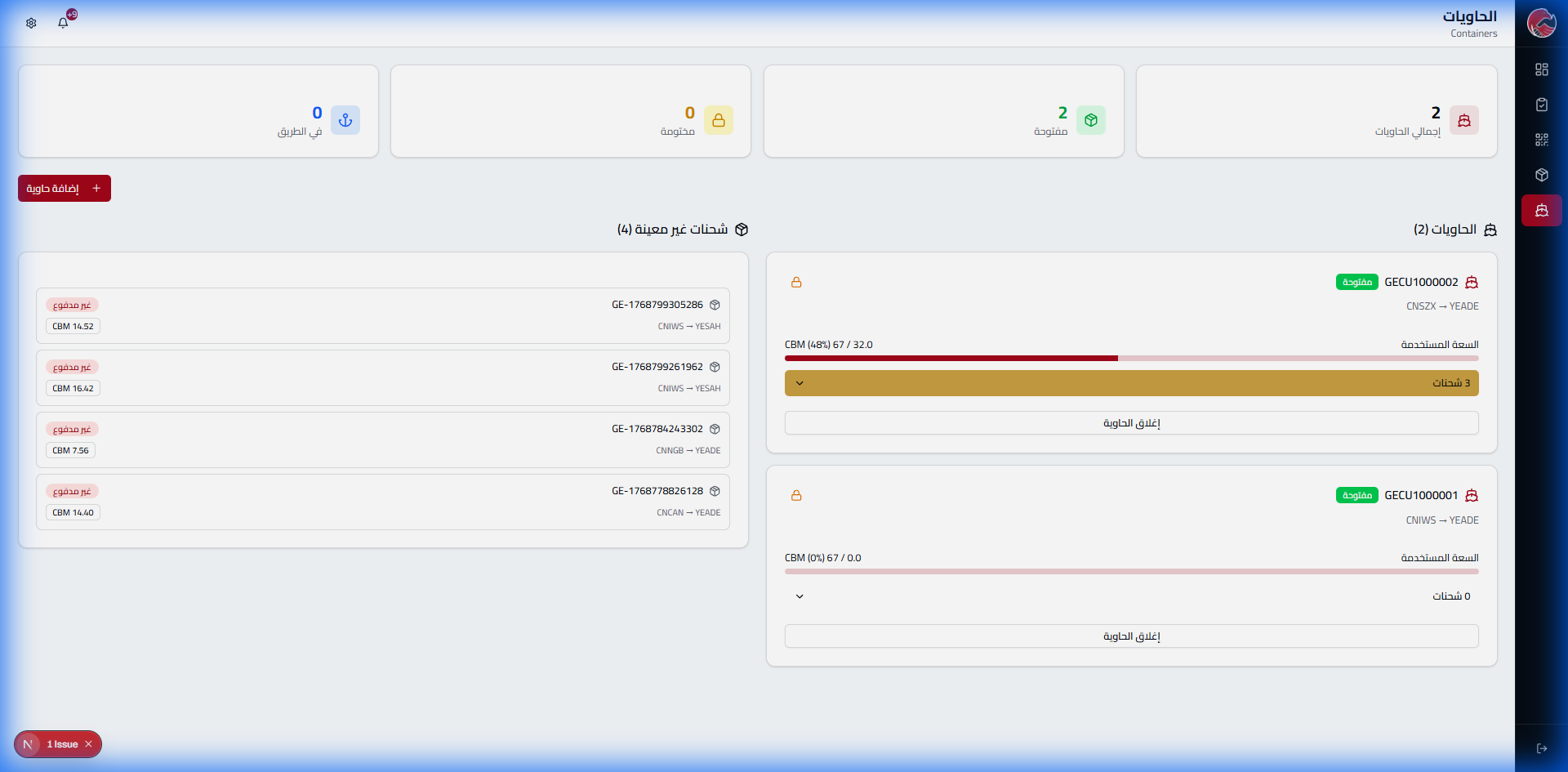
The Solution: Live progress bar showing fill rate - 97% before closing!

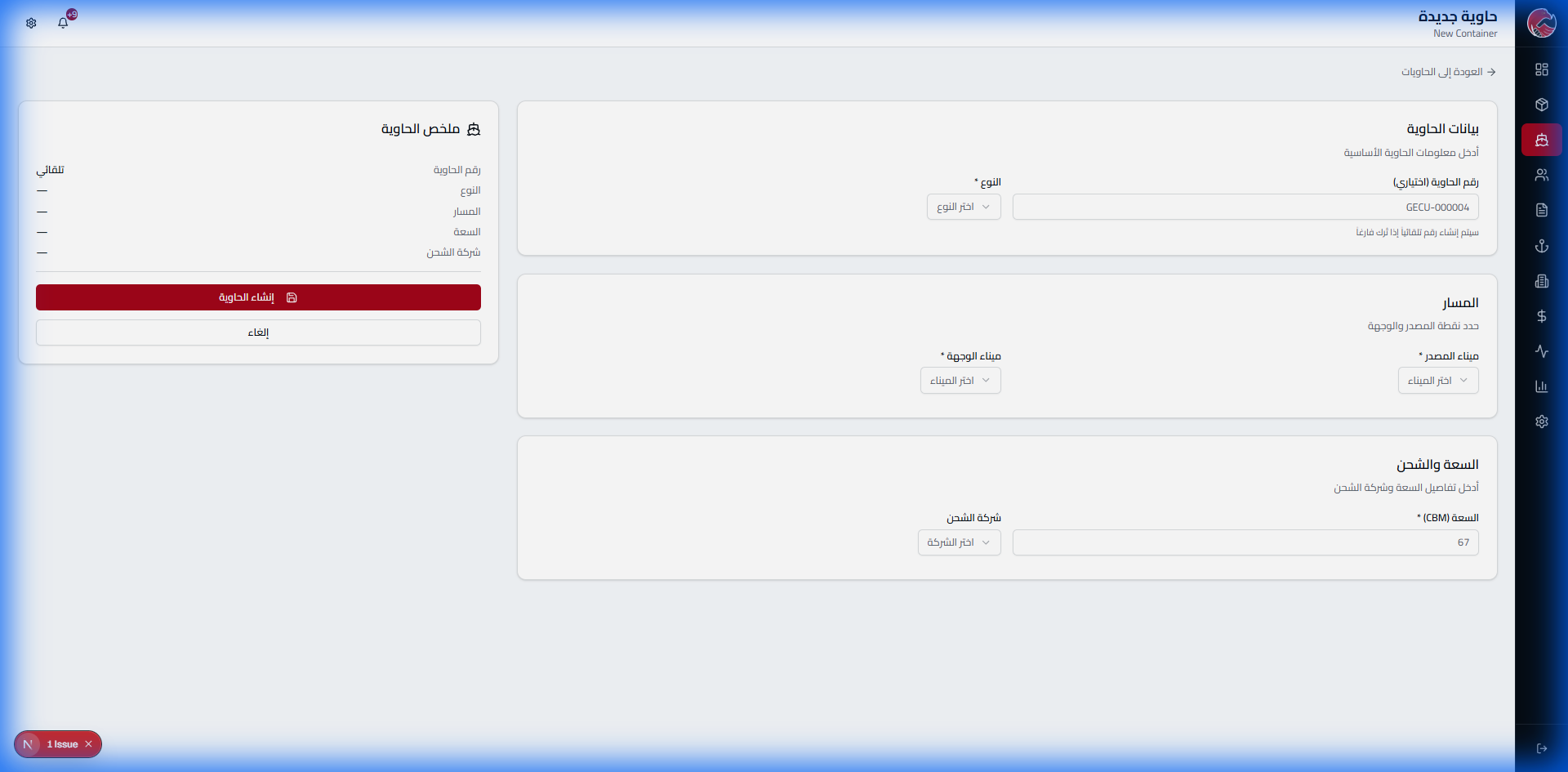
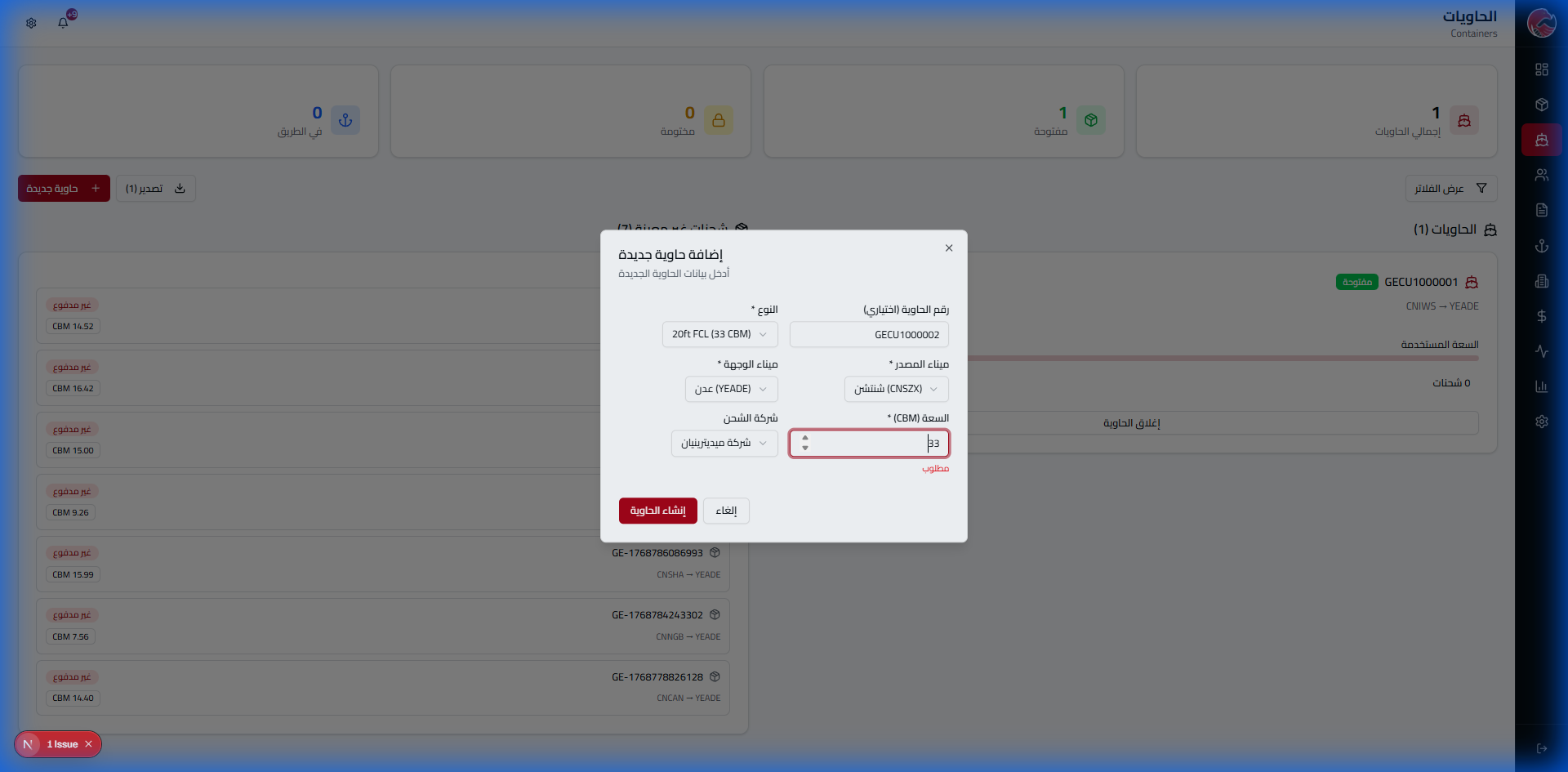
Create a New Container
Option 1: Without Shipping Company
Option 2: With Shipping Company
Packing the Container
Before Packing (0%)
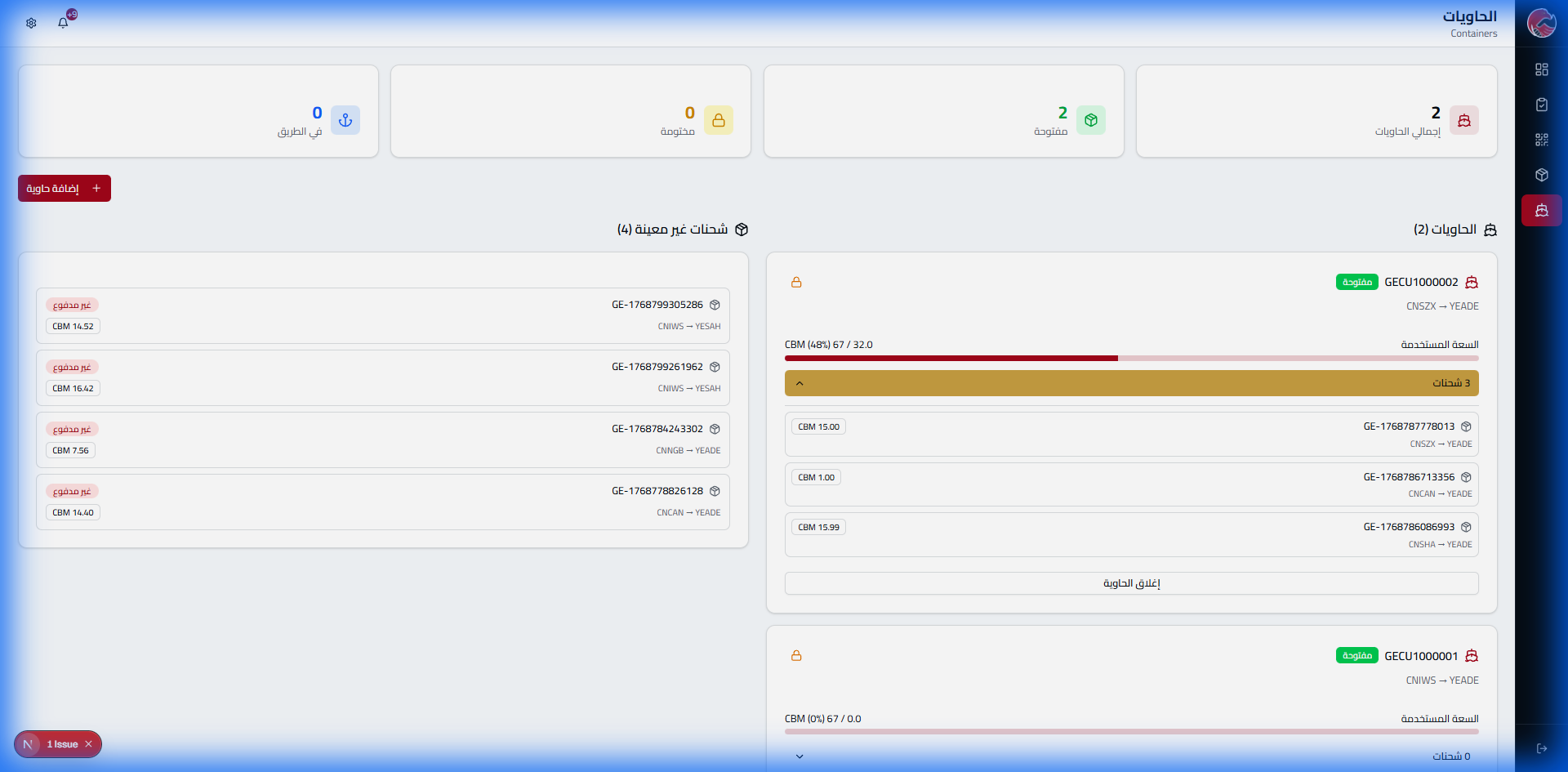
After Packing (48%)
Container Contents
Invoice System
Every shipment has an invoice. The system tracks payments, calculates delays, and classifies clients by their payment compliance!
The Problem & Solution
The Problem: Manual collection tracking = forgetting and delays
The Solution: Automated reports + color coding (green/yellow/red)
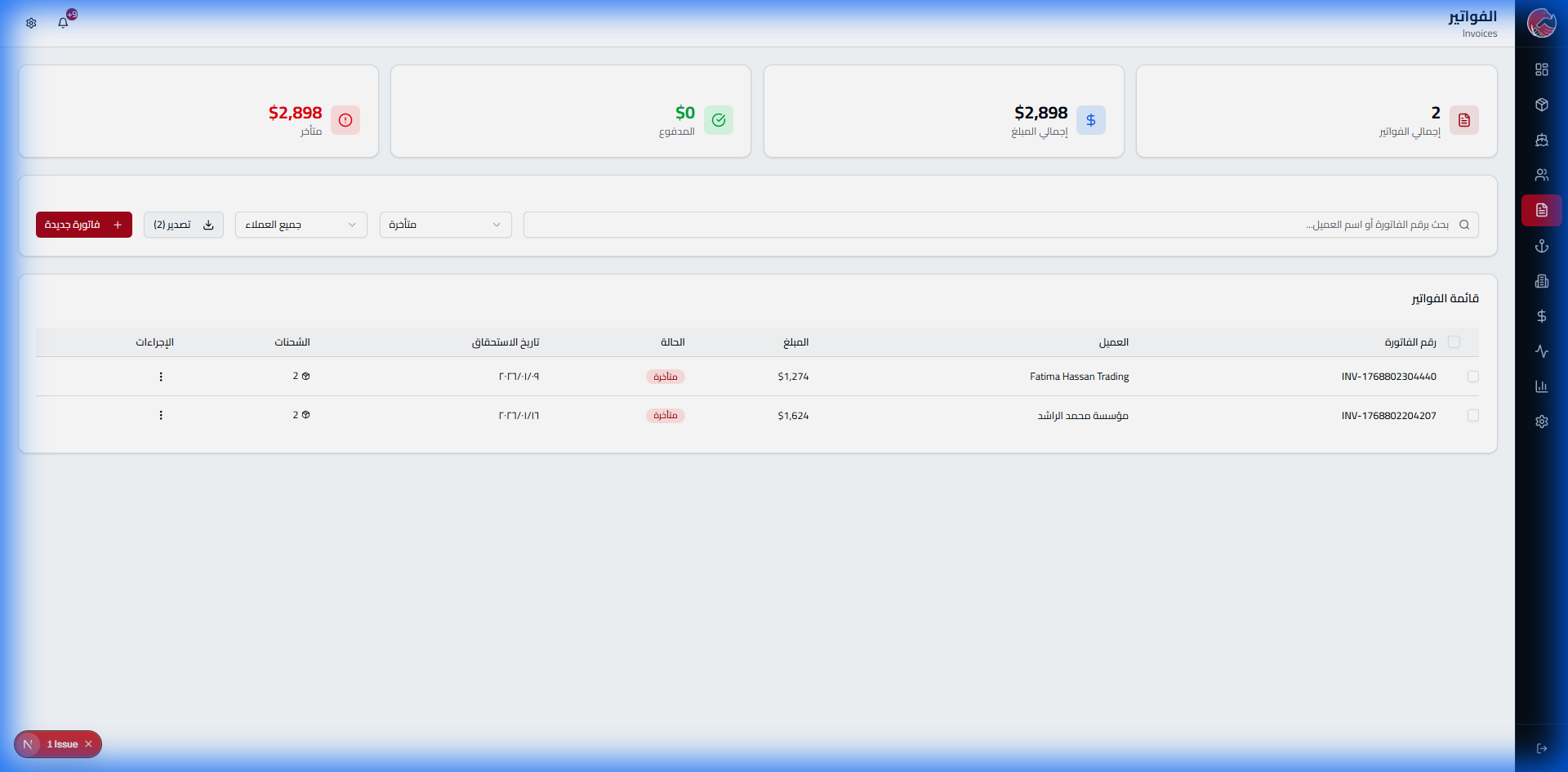
Invoice List

Filter Invoices
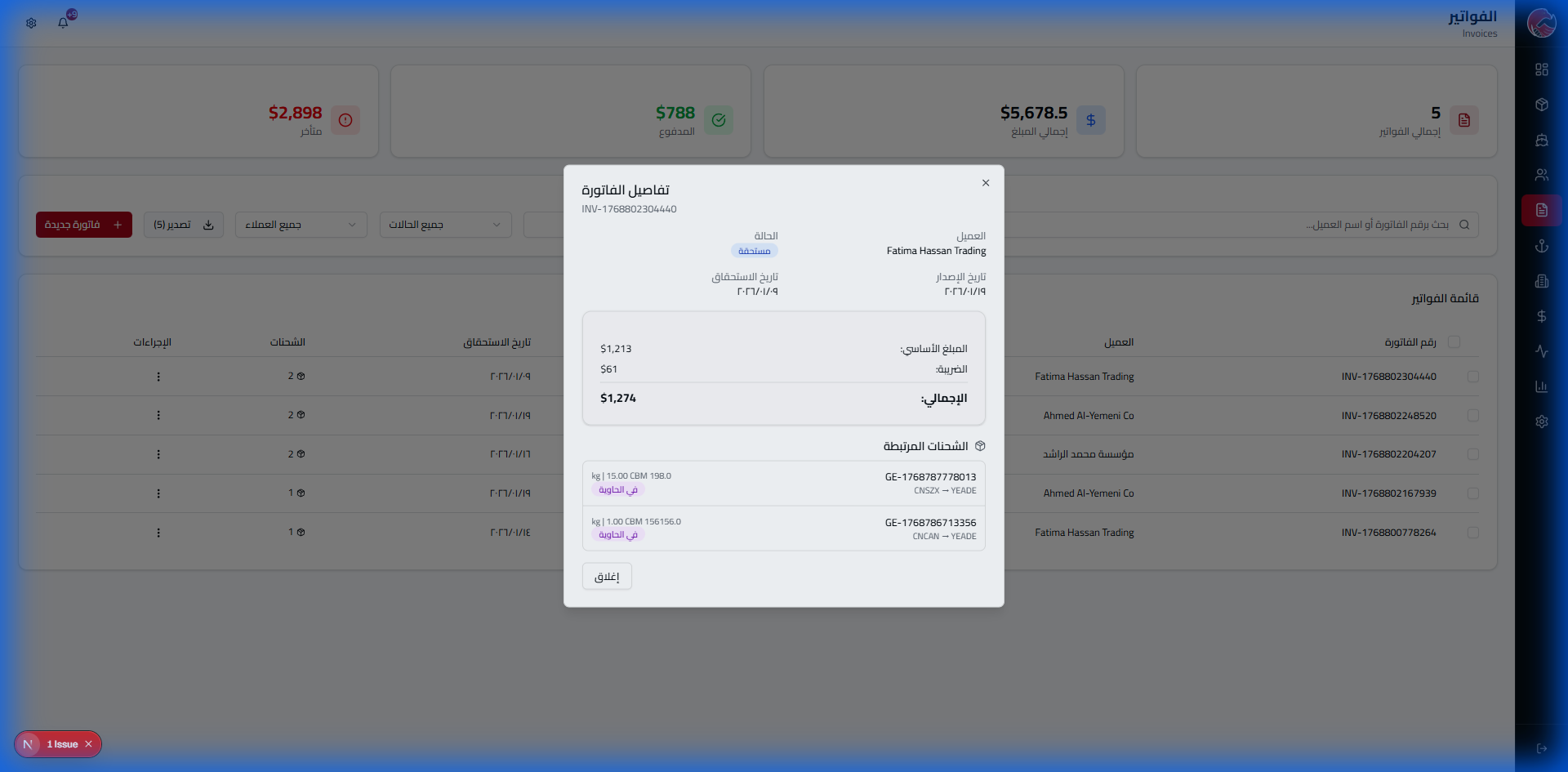
Invoice Details
Print Invoice
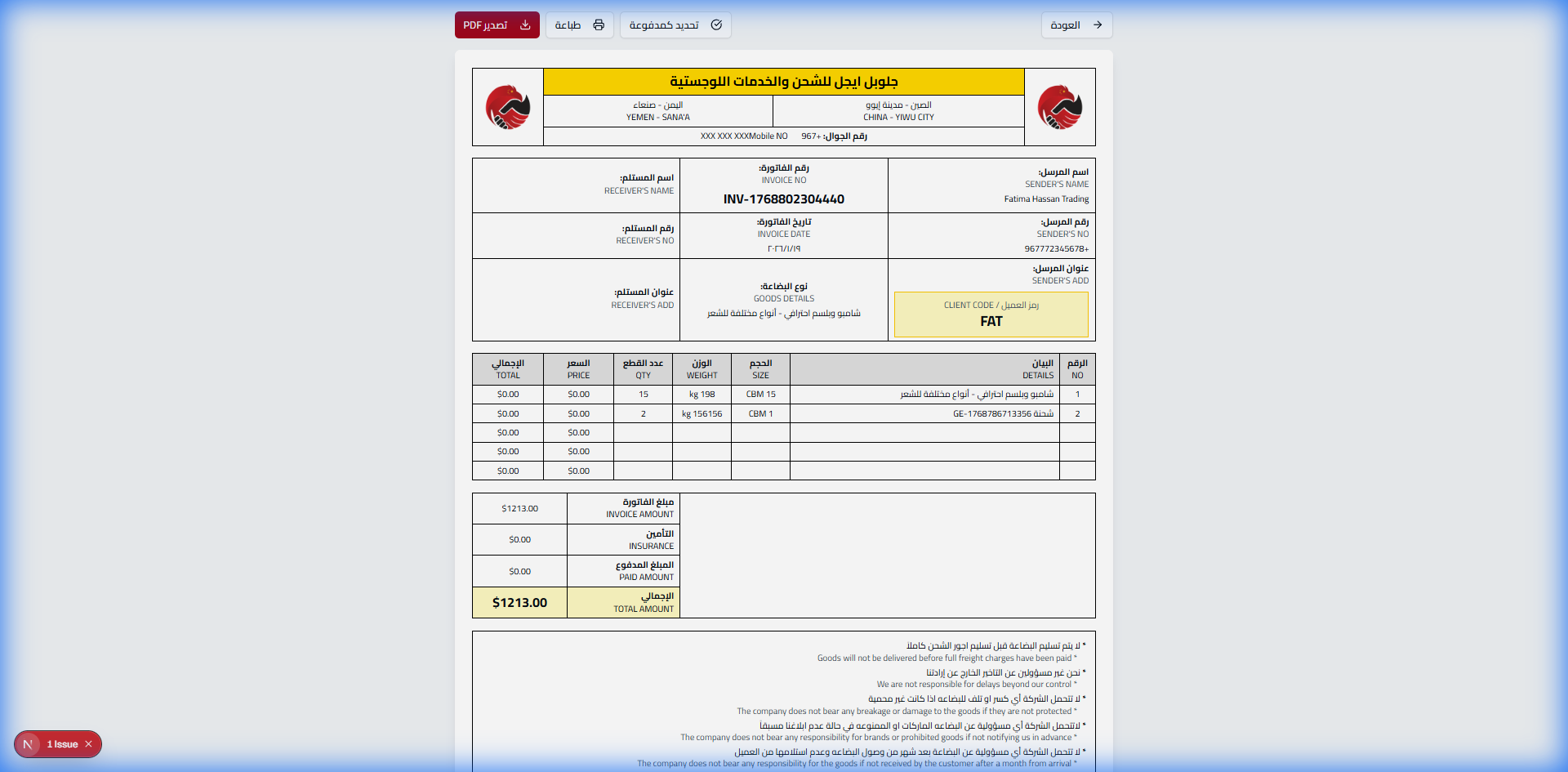
Printed Invoice Contents
- Company logo and details
- Complete client information
- Detailed shipment table
- Subtotal and taxes
- Grand total
- Terms and conditions
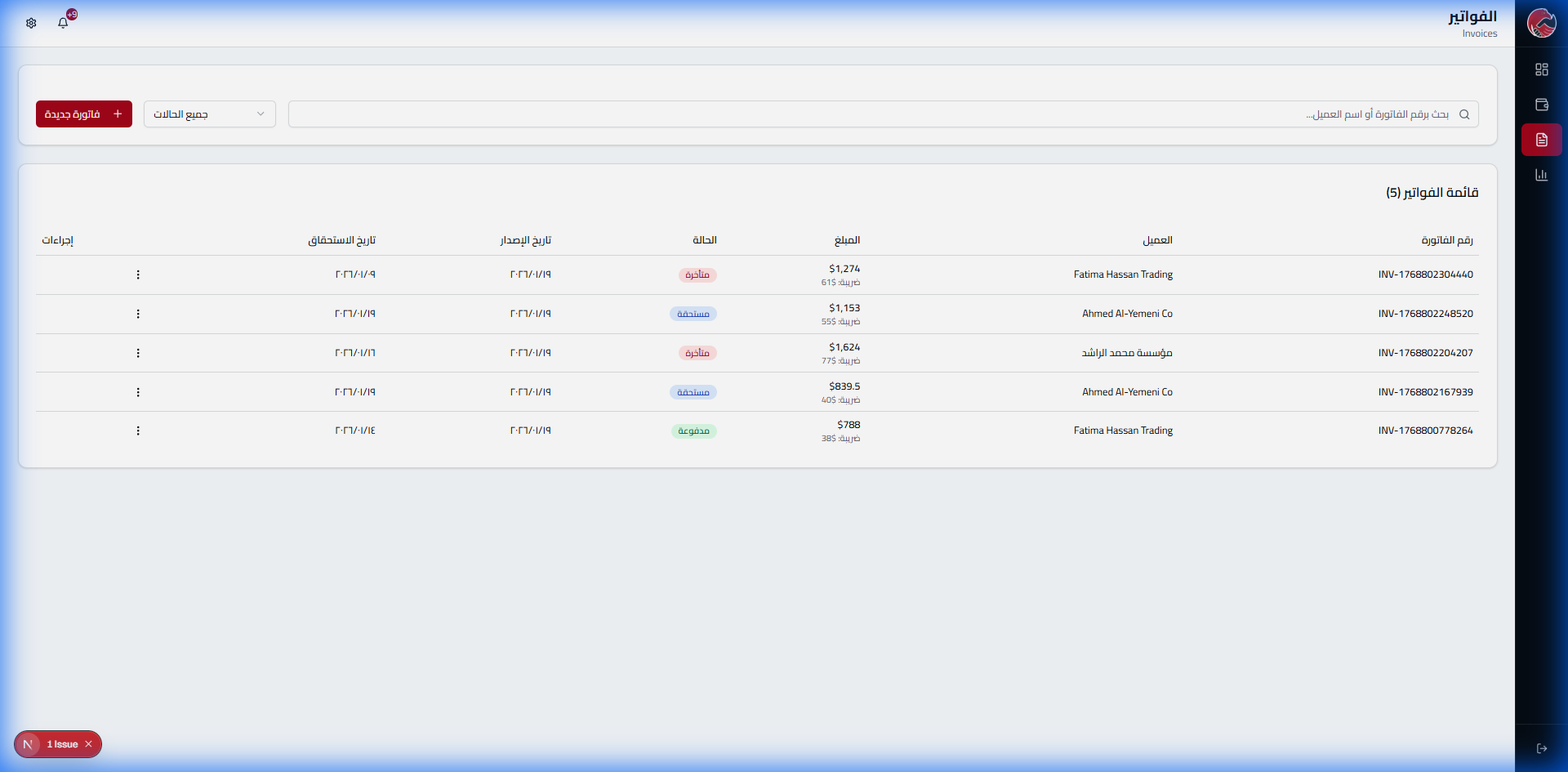
Accountant Portal
The accountant needs accurate numbers fast. This portal gives them everything they need: invoices, aging reports, Excel export - with one click!
The Problem & Solution
The Problem: Preparing overdue debt reports takes hours
The Solution: Ready-made aging report with colors (⚫ 0-30 | 🟡 31-60 | 🔴 61+)
Accountant Dashboard
Financial Reports
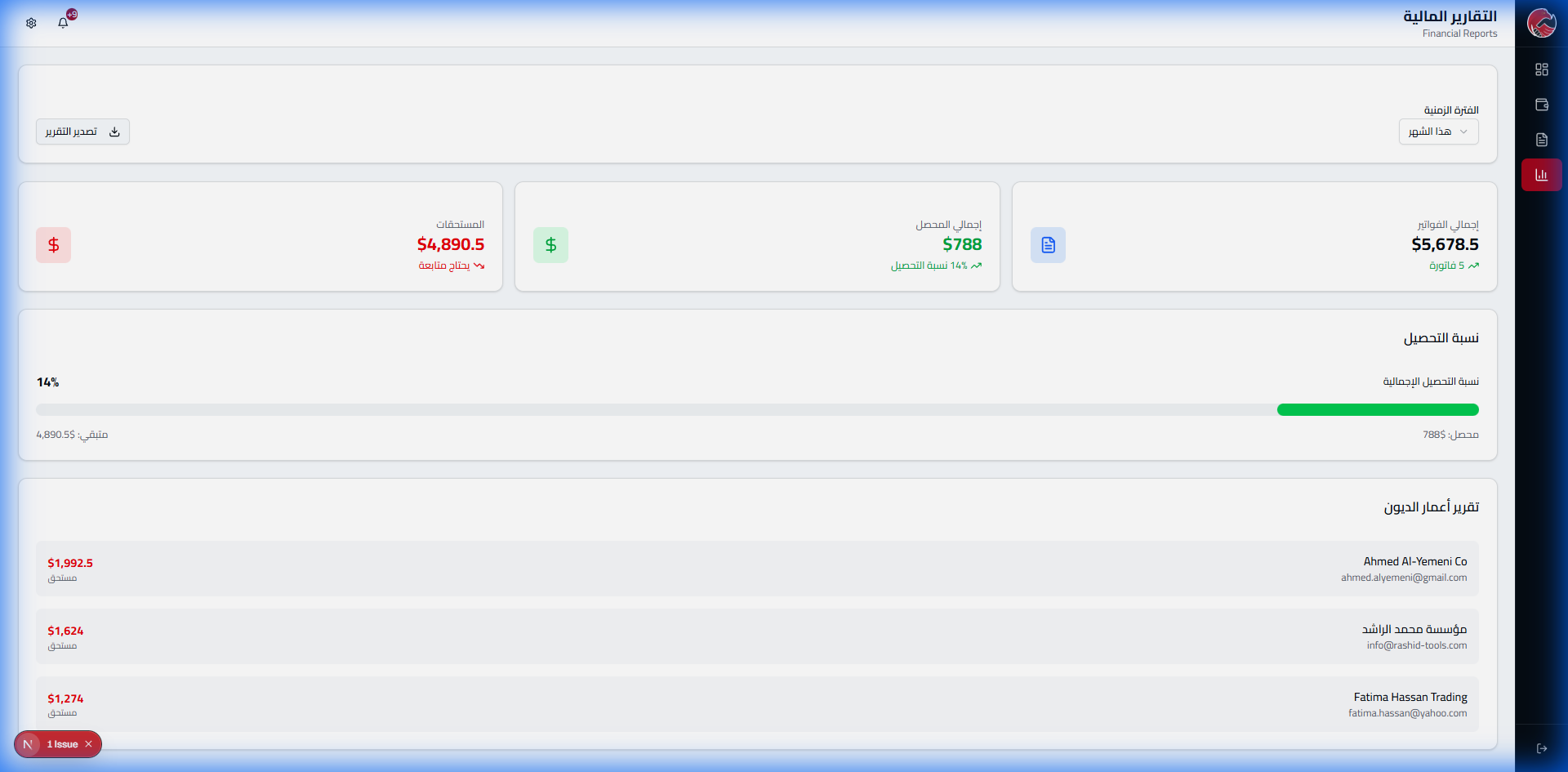
Export Reports
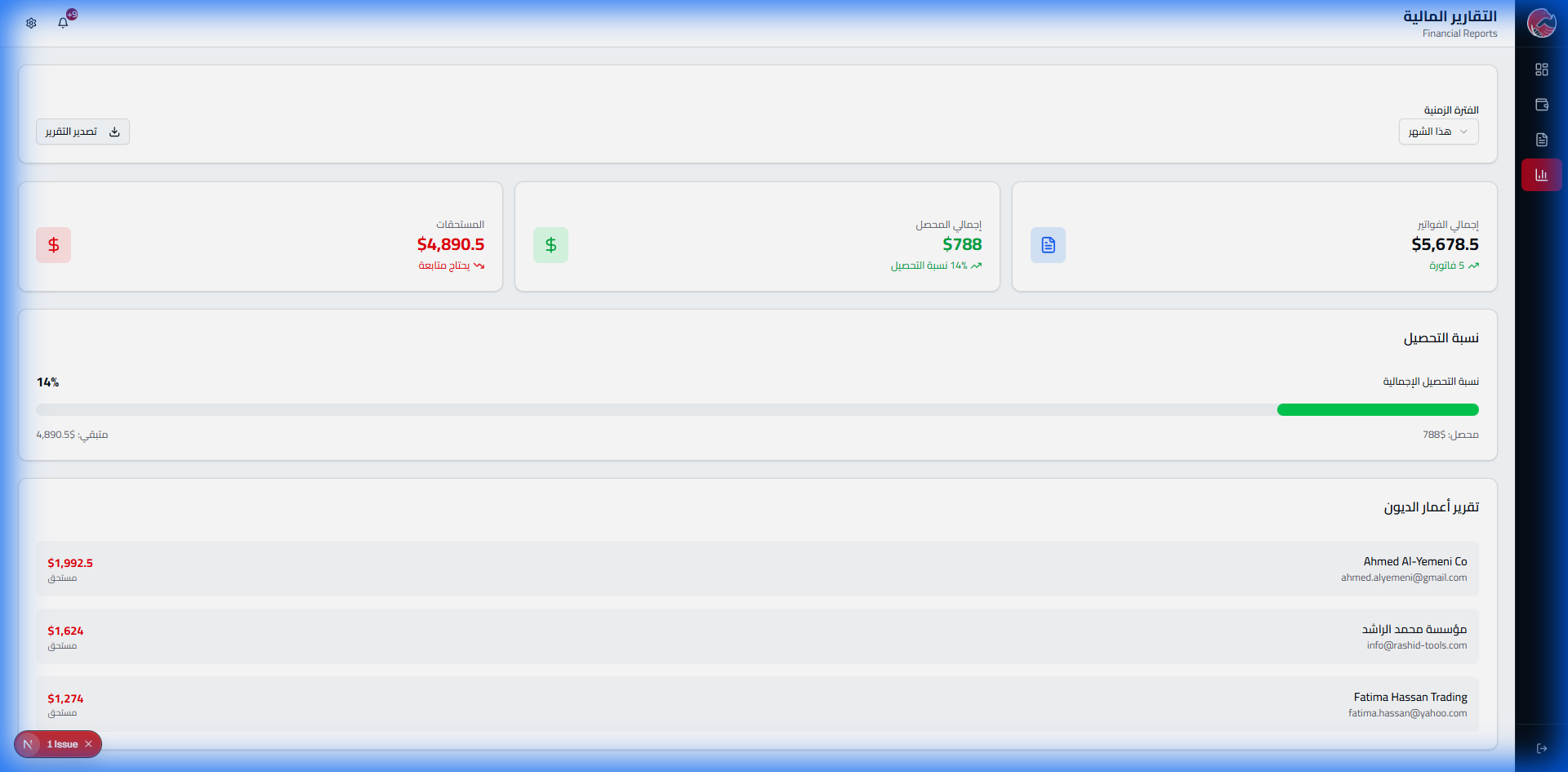
| Client | Amount | Days | Status |
|---|---|---|---|
| Sample Trading Co. | $1,992.50 | 45 days | Critical |
| Global Imports LLC | $1,626.00 | 30 days | Warning |
| Metro Logistics Est. | $1,274.00 | 15 days | Normal |
Client Portal - Self-Service
The client doesn't need to call us to ask about their shipment or invoice. Everything is in front of them with a single login!
The Problem & Solution
The Problem: Clients call 10 times daily to ask about their shipments
The Solution: Self-service portal - view shipments, invoices, and pay online!
View Invoice
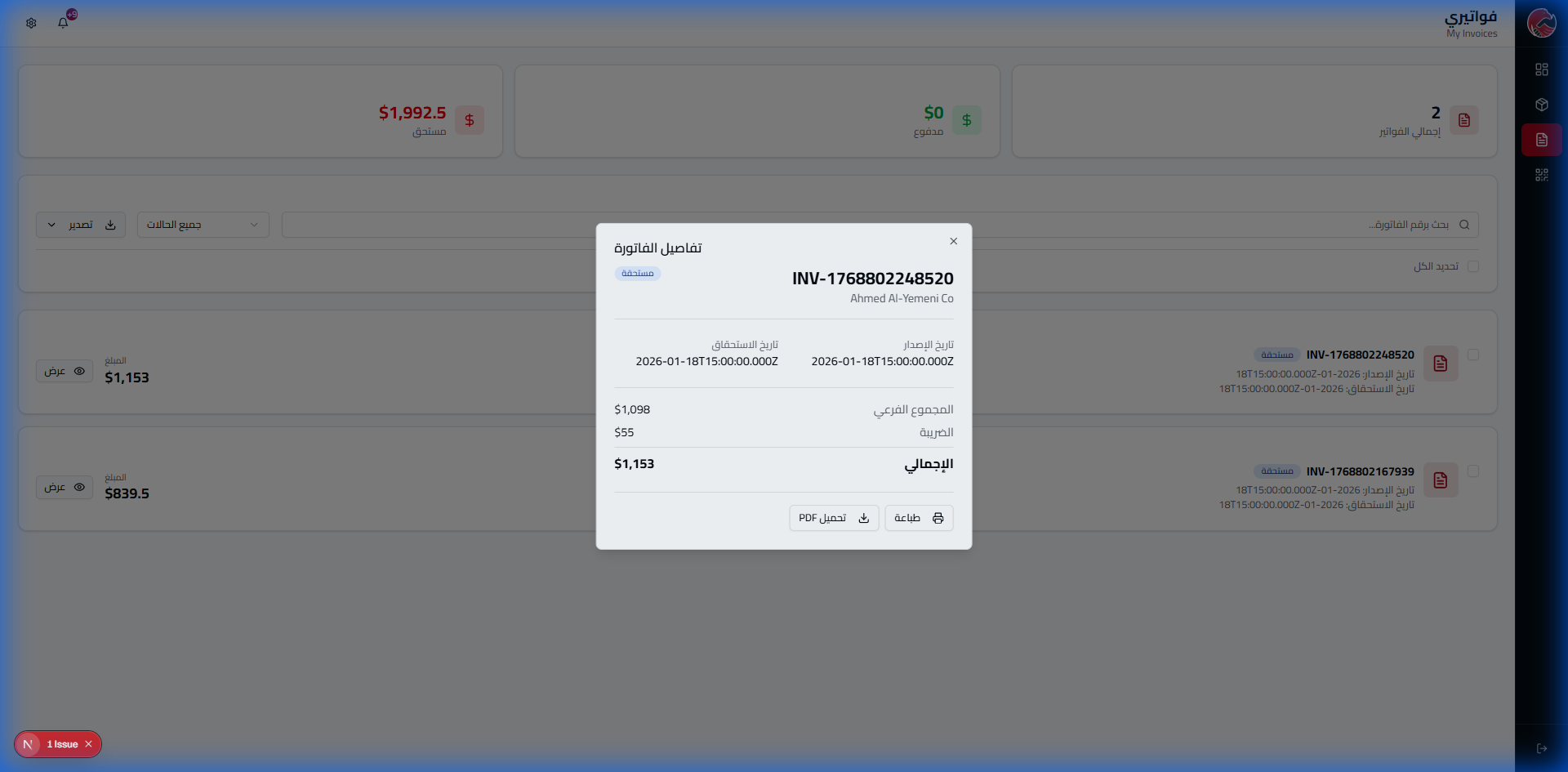
Track Shipments
Client sees all their shipments and current status
Invoices
View due and paid invoices
Electronic Payment
Credit card / transfer / wallet
Notifications
Instant alerts via WhatsApp and email
Destination Warehouse - The Arrival Point
This is where the shipment's journey ends. The ship has docked, the container has arrived, and the client is waiting for their goods. The destination warehouse manages this critical moment with utmost precision!
The Problem & Solution
The Problem: Delivery disputes - "I didn't receive it!" "I received incomplete goods!"
The Solution: Electronic signature + ID photo + date and time = undeniable legal proof
Dashboard
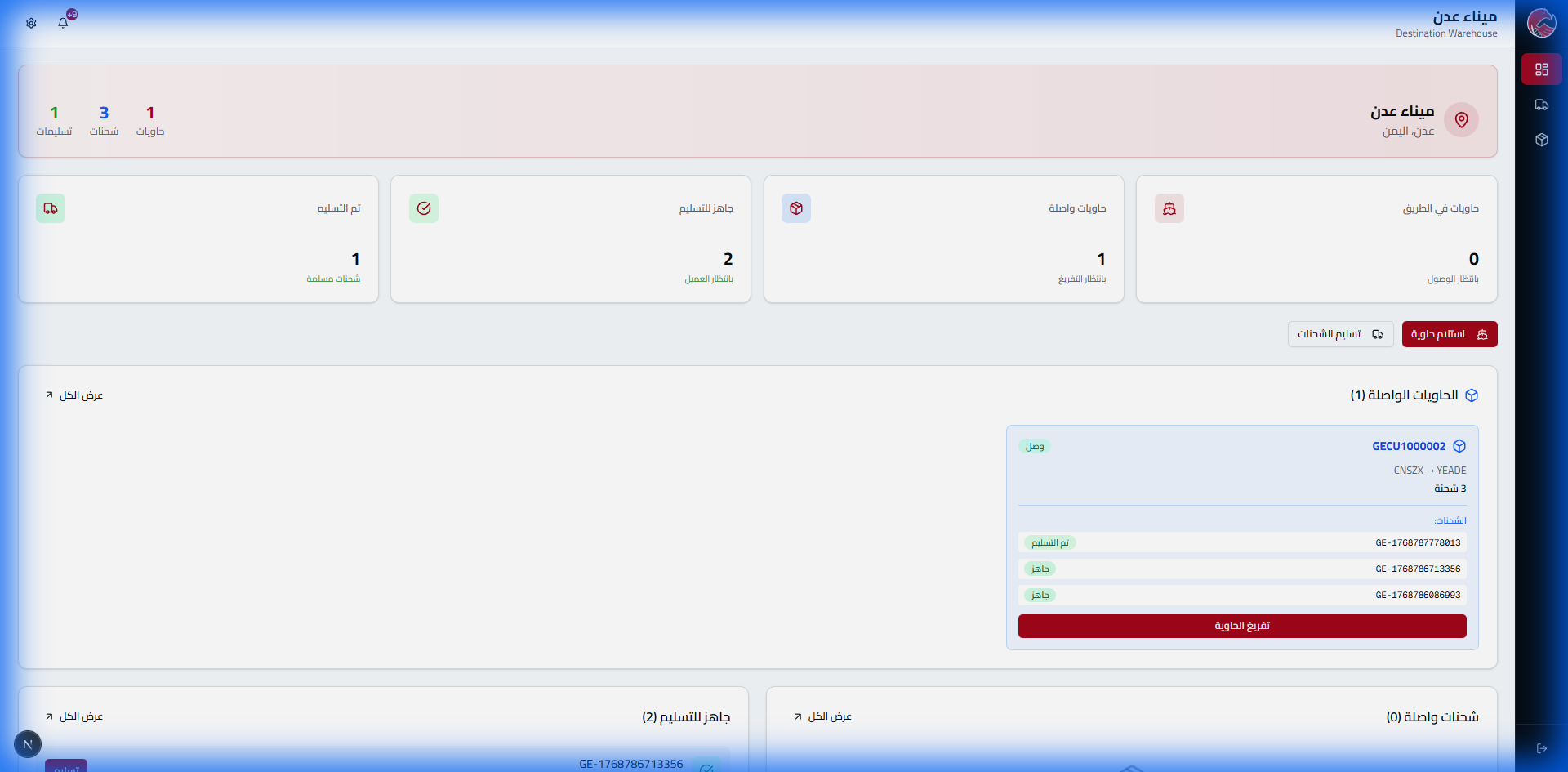
Arrived Shipments
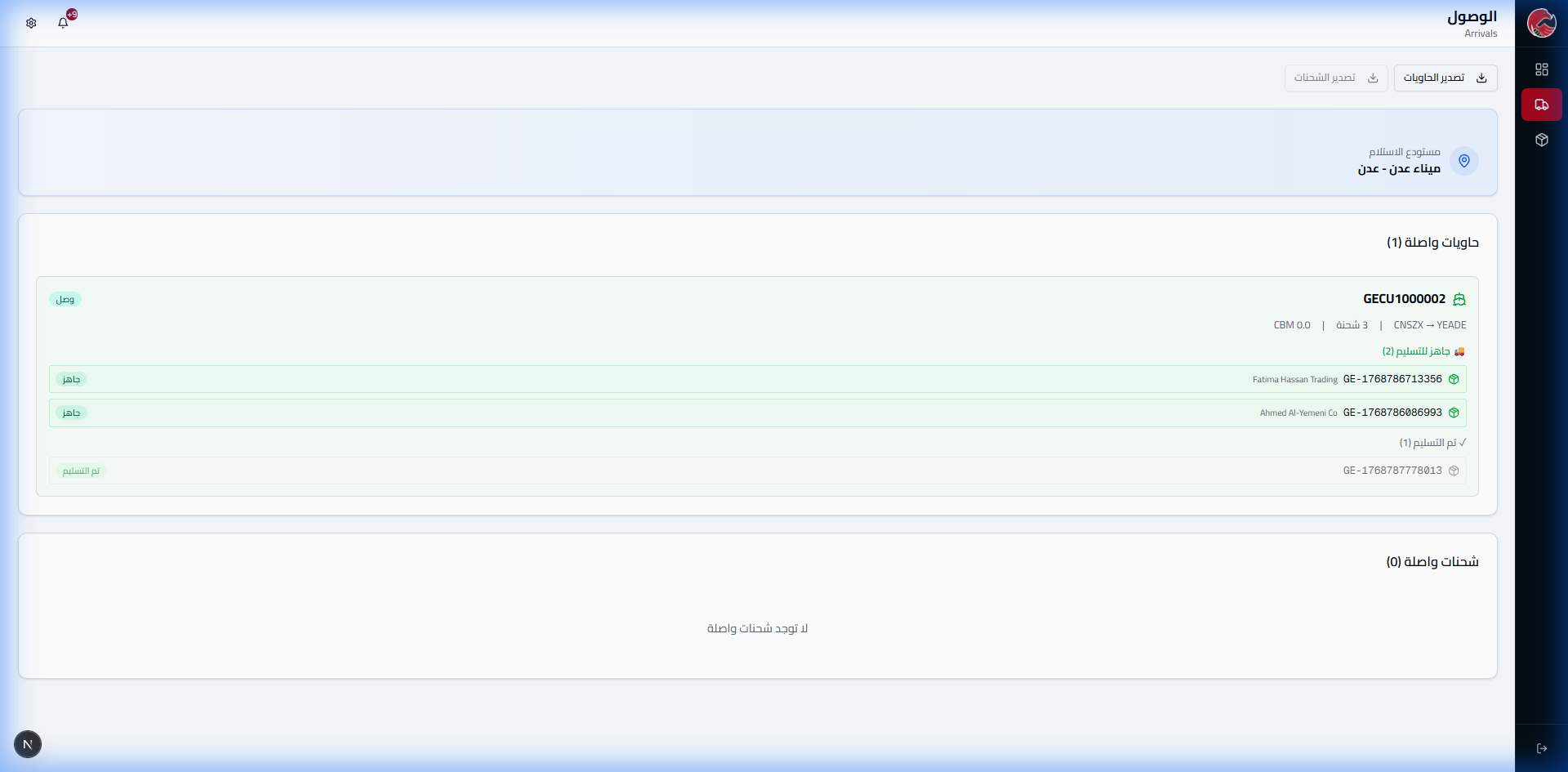
Client Delivery

Electronic Signature (WOW Feature!)
Unique Feature in GlobeEagle!
At delivery, the recipient signs directly on screen + we capture their ID photo = irrefutable proof of delivery!
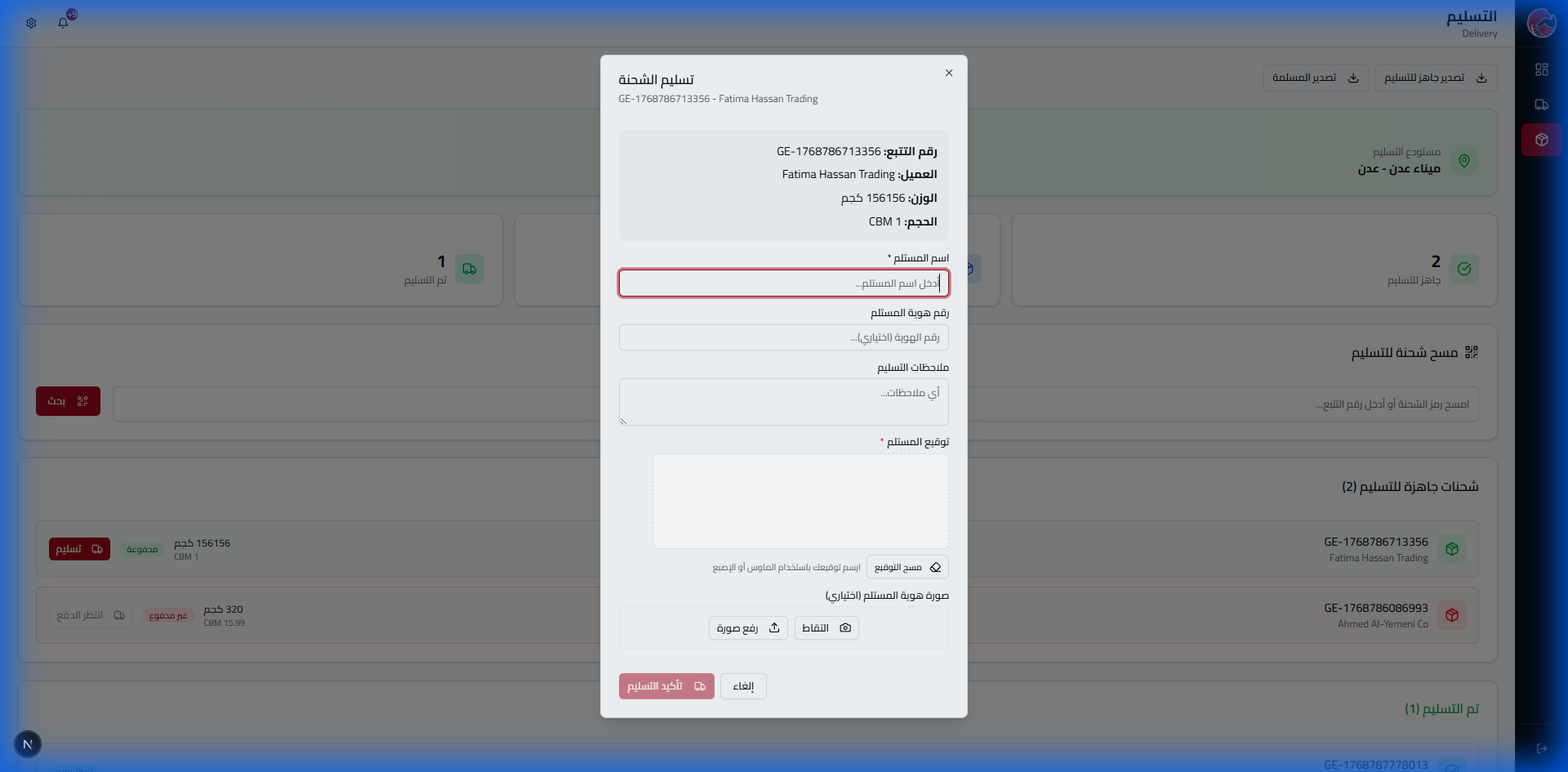
Recipient Name
Required - who actually received the goods
ID Number
Optional - for additional documentation
Signature
Required - recipient signs on screen with finger
ID Photo
Optional - capture or upload ID card photo
After Confirmation:
- Shipment status changes to "Delivered"
- Digital delivery receipt is created
- Delivery notification sent to client
- Invoice closes automatically (if paid)
Container Unloading
When a container arrives at the warehouse, the warehouse staff can unload shipments from it and prepare them for delivery.
Arrival & Unloading Page
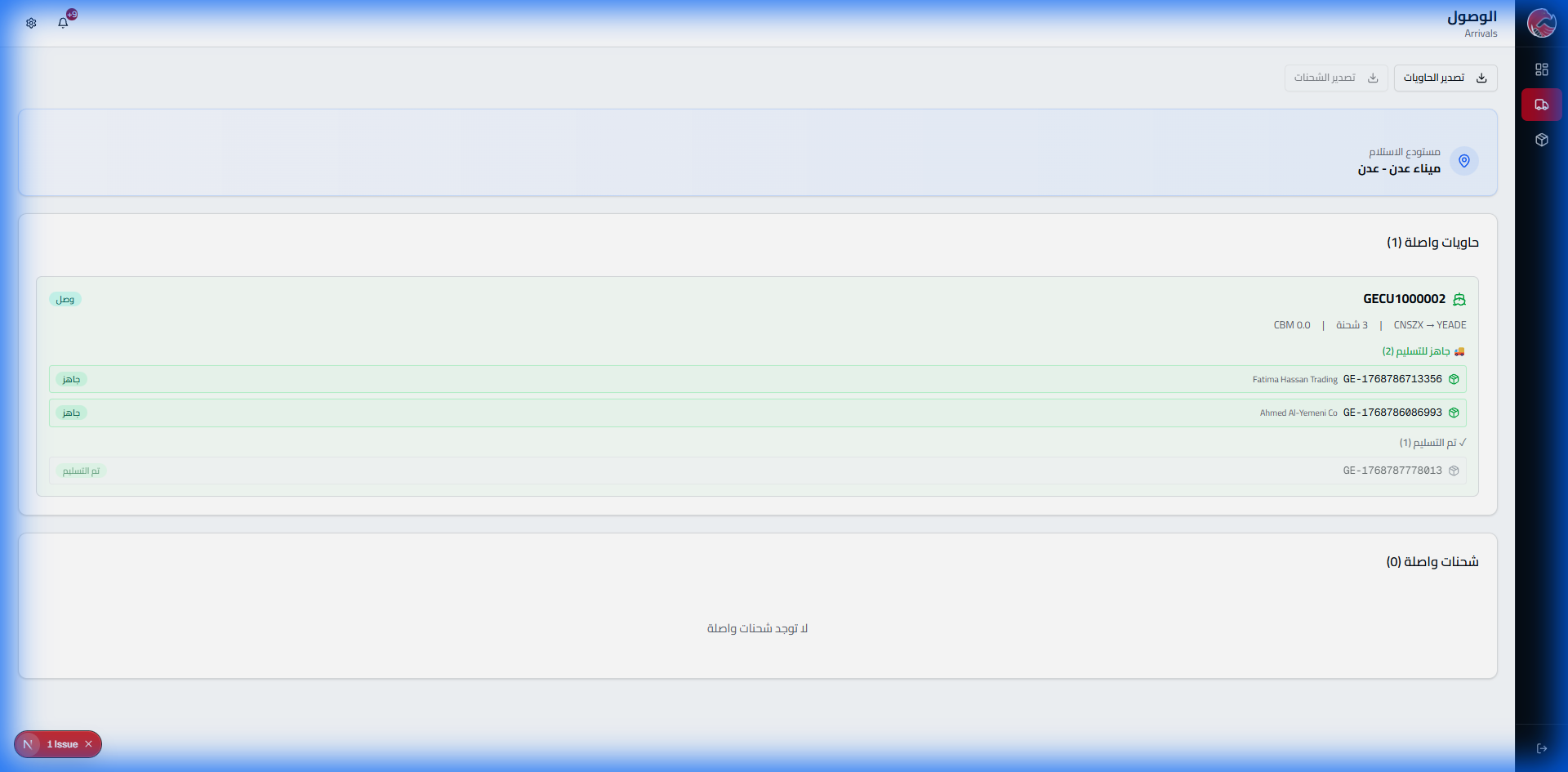
Shipment Status Stages
| Color | Status | Available Action |
|---|---|---|
| 🟠 | Awaiting Unloading | "Unload" button per shipment or "Unload All" |
| 🔵 | Unloaded | "Ready for Delivery" button |
| 🟢 | Ready for Delivery | Waiting for client |
| ⚪ | Delivered | Complete |
Unloading Actions
- Individual unload: Click "Unload" on each shipment
- Bulk unload: Click "Unload All" to unload all shipments at once
- Prepare: After unloading, click "Ready for Delivery" to notify the client
Client Shipment Delivery
The delivery process includes identity verification, electronic signature, and an optional ID photo.
Delivery Confirmation Window
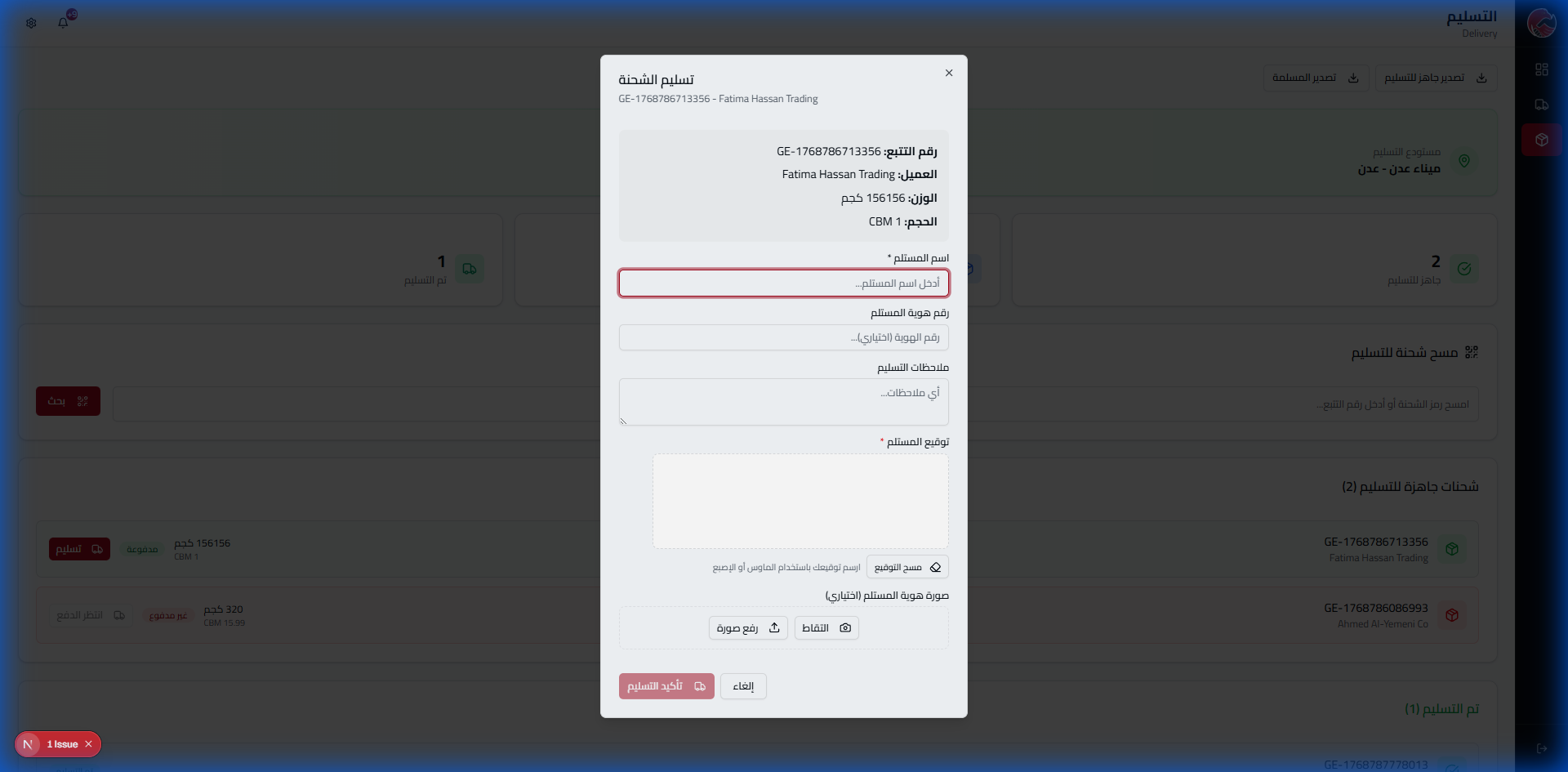
Delivery Fields
| Field | Description | Required |
|---|---|---|
| Recipient Name | Full name of the person receiving | Required |
| ID Number | ID card number (for documentation) | Optional |
| Notes | Any additional notes | Optional |
| Electronic Signature | Recipient's on-screen signature | Required |
| ID Photo | Capture photo or upload file | Optional |
ID Photo Options
Capture
Open camera to take a direct photo of the ID
Upload Photo
Choose an existing photo from the device
Payment Requirement
Delivery cannot be completed until the invoice is fully paid. The system automatically checks payment status and blocks delivery for unpaid shipments.
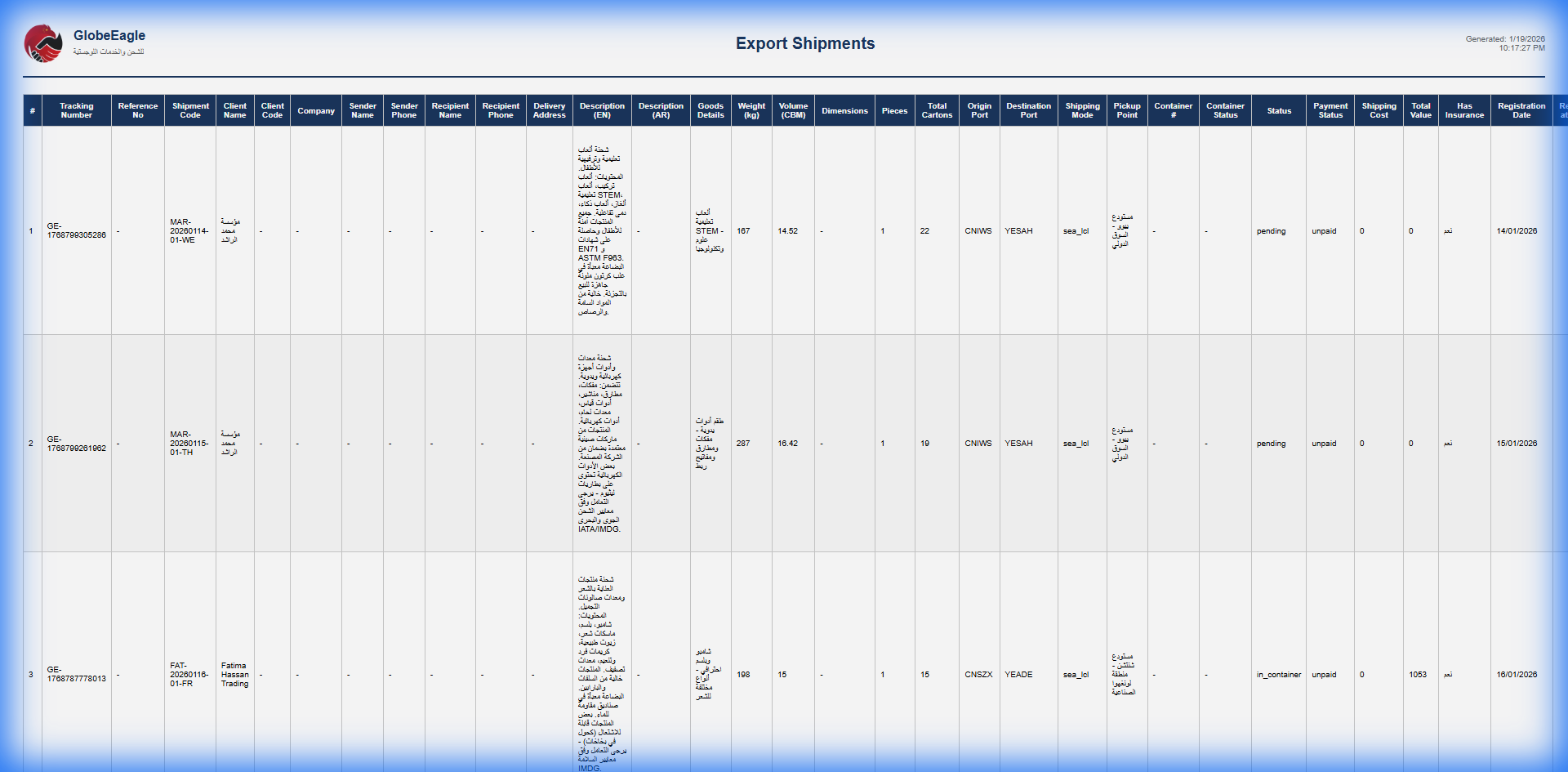
Export Examples
Shipments PDF Export
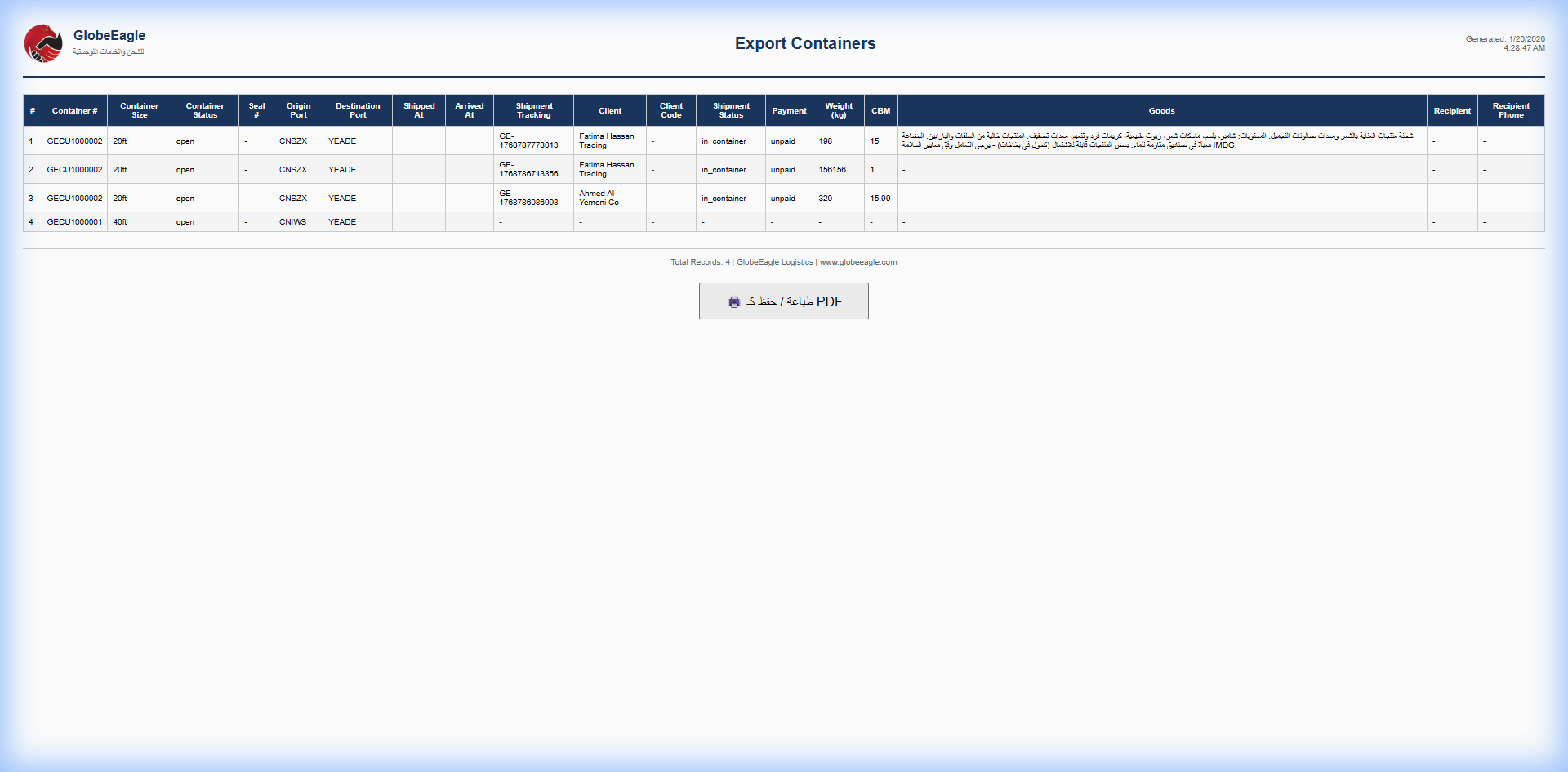
Containers PDF Export